
Top 12 GenAI Tools for Australian Professionals

Generative AI is reshaping industries, and mastering the right GenAI tools is now a critical skill for career advancement, particularly in Australia's expanding tech scene. From building complex applications to simplifying daily workflows, these platforms are no longer optional-they are foundational. This guide moves past the hype to provide a practical, detailed look at the essential GenAI platforms you need to know.
We organised this resource to help you find the best tool for your specific needs. Each entry details what the platform does, who it's for, and its key features, supported by screenshots and direct links. Our analysis focuses on what matters for Australian professionals, covering everything from data residency and local support to relevance in the current job market.
Whether you are an engineer aiming to build with AI, a data scientist looking to analyse complex information, or a hiring manager seeking top talent, understanding this ecosystem is the first step. Let's explore the tools that will define the next wave of technological progress and show you how to apply them to stand out in your field. This is your practical guide to the most important GenAI tools available today.
1. OpenAI Platform (ChatGPT, API: GPT/o-series, tools)
The OpenAI Platform is a foundational resource for developers and businesses building on top-tier generative AI models. It provides API access to the GPT and 'o-series' models, known for their powerful reasoning, coding, and multimodal capabilities. Beyond the well-known ChatGPT interface, the platform offers a robust suite of developer tools, including Assistants, function-calling, and fine-tuning endpoints that allow for deep customisation.
Its primary strength lies in the state-of-the-art performance of its frontier models and a mature developer ecosystem with extensive documentation and SDKs. This makes it a go-to for tasks requiring complex logic, high-quality code generation, or nuanced text analysis. The models’ abilities are a direct result of their architecture, and those looking to understand the mechanics should familiarise themselves with the principles of deep learning for aspiring AI professionals.
Key Details & Use Cases
Ideal User: AI/ML engineers, software developers, and data scientists needing top-tier model performance and a mature SDK for integration.
Sample Use Case: A developer building a customer support chatbot can use the Assistants API with function-calling to connect the model to their internal knowledge base and ticketing system, allowing it to provide accurate answers and create new support tickets directly.
Pricing: API usage is pay-as-you-go, metered by token consumption. ChatGPT offers free, Plus, and Team/Enterprise tiers with added features and administrative controls.
Demonstrating Proficiency: Showcase a project on your GitHub that uses the OpenAI API for a specific task, such as a RAG (Retrieval-Augmented Generation) application, a code refactoring tool, or an image analysis script using GPT-4o. Document your prompt engineering techniques and any fine-tuning you performed.
Website: https://openai.com/
2. Google Vertex AI (Gemini) and Google AI Studio
Google's contribution to the GenAI tools ecosystem is a powerful dual offering for developers and enterprises. Vertex AI is the enterprise-grade platform for building, deploying, and managing ML models, including the Gemini family, with full governance and MLOps capabilities. For rapid prototyping, Google AI Studio provides a web-based environment to quickly test prompts and build applications with Gemini models before moving to a production environment.
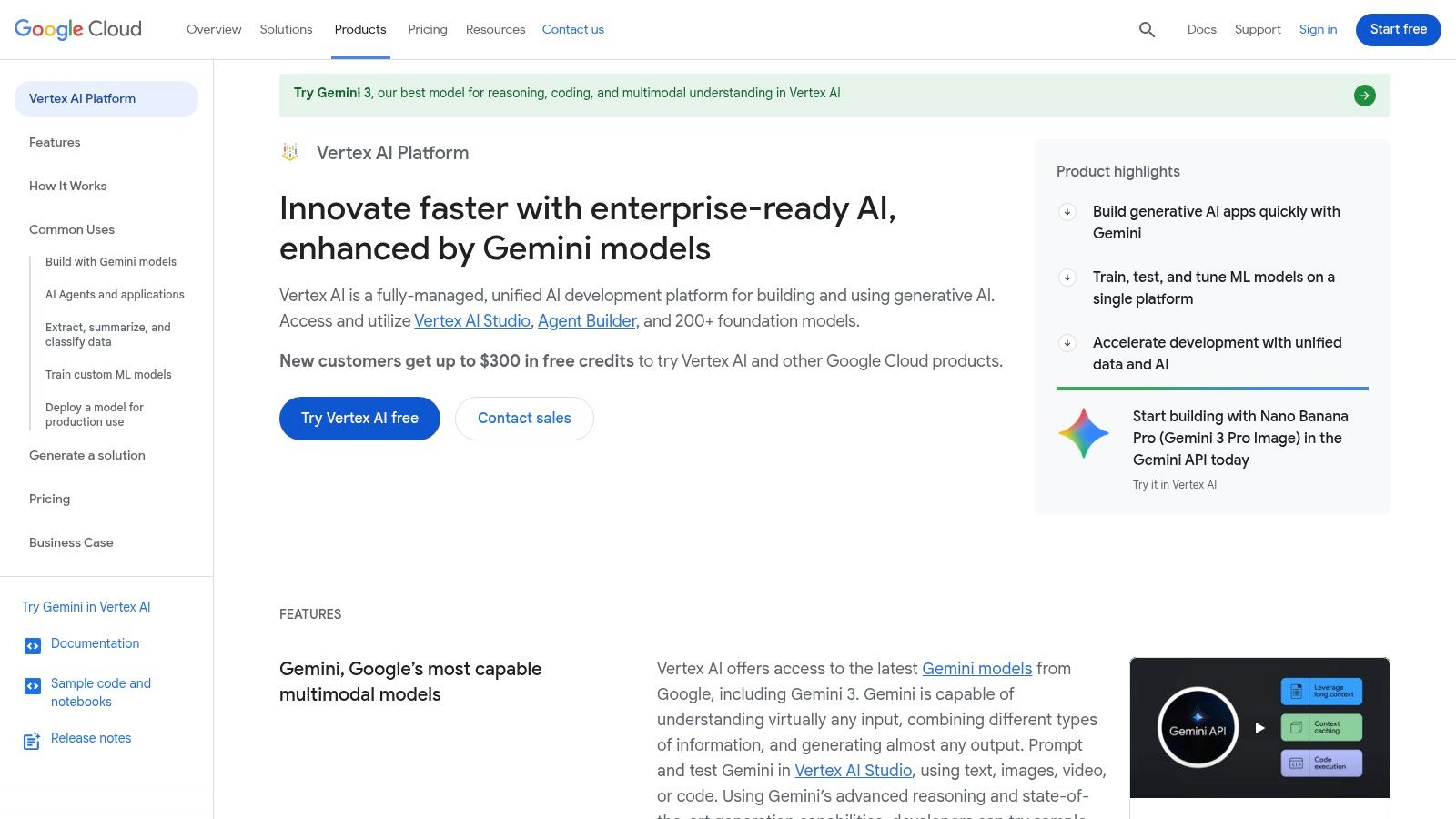
The platform’s core advantage is its deep integration with the Google Cloud Platform (GCP). This allows organisations to manage AI workflows with familiar IAM, security, and billing, all within a single ecosystem. For Australian businesses, the availability of regional endpoints in Sydney and Melbourne is a key benefit for data sovereignty and lower latency.
Key Details & Use Cases
Ideal User: Enterprise developers, MLOps engineers, and data teams already invested in or migrating to the Google Cloud ecosystem.
Sample Use Case: A retail company can use Vertex AI to deploy a Gemini Pro Vision model that analyses customer-uploaded photos of products, identifies them using Vector Search against their catalogue, and provides personalised recommendations.
Pricing: AI Studio offers a free quota for experimentation. Vertex AI operates on a pay-as-you-go basis for model usage, training, and other platform services, billed through a GCP account.
Demonstrating Proficiency: Create a project that uses a GCP service (like Cloud Storage or BigQuery) and integrates it with a Gemini model via Vertex AI. Document the architecture, highlighting the use of GCP-native features like Identity and Access Management (IAM) for secure access and specifying the
australia-southeast1region for deployment.
Website: https://cloud.google.com/vertex-ai
3. Anthropic Claude (API, Claude for Teams/Enterprise, Claude Code)
Anthropic’s Claude family of models presents a compelling alternative for developers prioritising safety, long-context processing, and strong coding performance. Offered via an API and dedicated Team/Enterprise plans, Claude stands out for its constitutional AI approach, which aims to produce helpful and harmless outputs. The platform provides a tiered selection of models (Haiku, Sonnet, Opus) that balance speed, cost, and intelligence, making it a flexible choice for various production workloads.
Its primary advantage is its exceptional ability to handle large context windows (up to 200K tokens), making it ideal for tasks involving extensive documents, codebases, or detailed transcripts. The platform's focus on enterprise-readiness is evident in features like compliance APIs, cost management tools, and its Claude Code variant, which is specifically optimised for software development tasks. This combination of performance and a safety-conscious design makes it one of the key GenAI tools for business applications.
Key Details & Use Cases
Ideal User: Developers and businesses focused on text analysis, summarisation of long documents, and code generation, especially those in regulated industries.
Sample Use Case: A legal tech company could use the Claude API to analyse and summarise thousands of pages of case law documents, extracting key precedents and arguments by feeding the entire corpus into the model's large context window.
Pricing: API access is pay-as-you-go. Claude Pro (for individuals) and Claude for Teams are available as monthly subscriptions, with custom pricing for Enterprise.
Demonstrating Proficiency: Build a project that shows Claude's long-context capabilities. For example, create an application that accepts a full GitHub repository as input and uses the model to answer complex questions about the codebase's architecture and interdependencies.
Website: https://www.anthropic.com/
4. Microsoft Azure OpenAI Service
For organisations embedded in the Microsoft ecosystem, the Azure OpenAI Service offers a powerful way to access OpenAI's models within an enterprise-grade cloud environment. It wraps models like GPT-4 in Azure's robust security, compliance, and networking controls, making it the preferred choice for businesses with strict data governance and residency requirements. This service is one of the essential GenAI tools for corporate development.
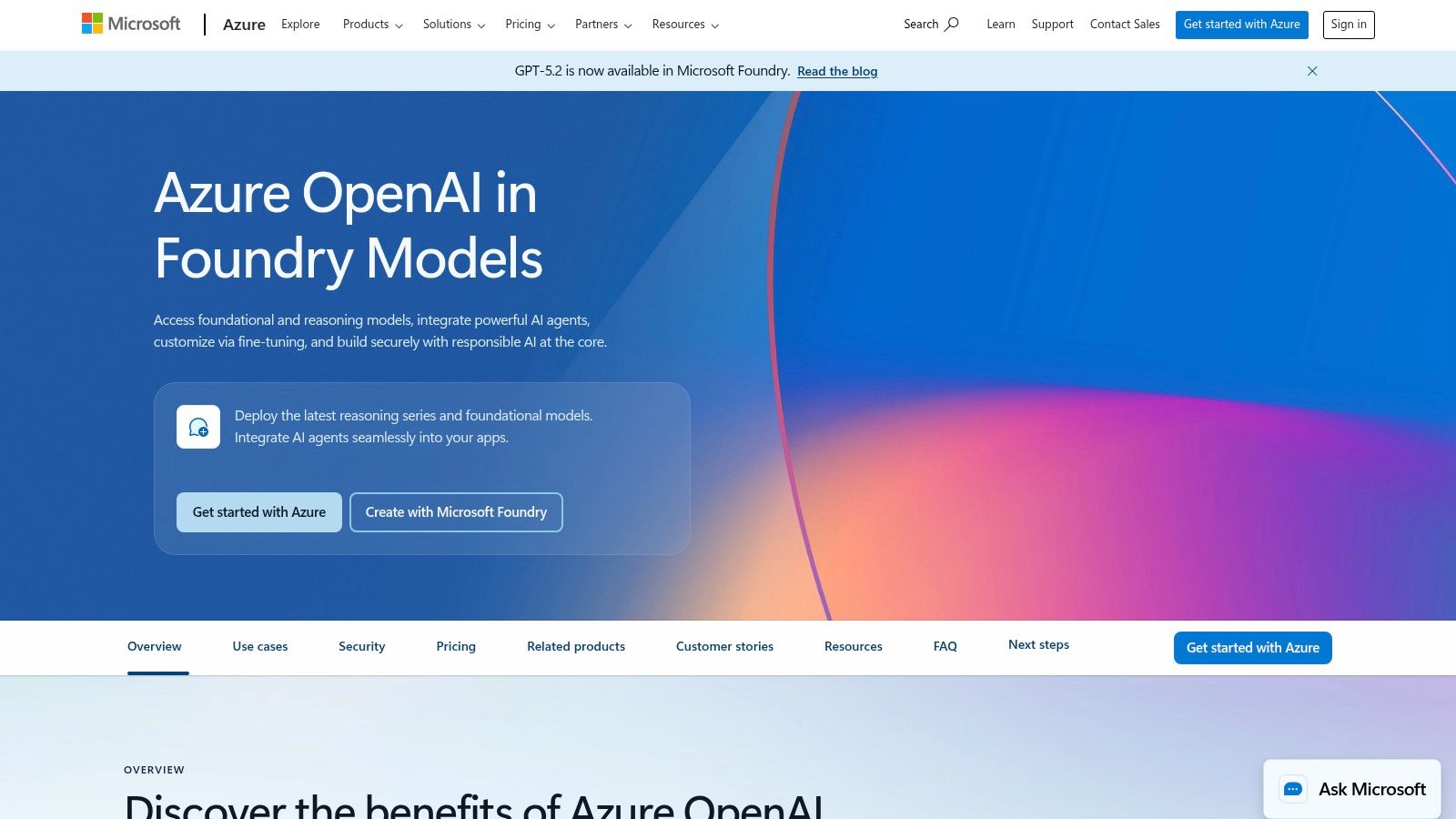
Its main advantage is the deep integration with Azure services. Features like Virtual Network (VNET) support, private endpoints, and Azure Active Directory for role-based access control (RBAC) are critical for secure, large-scale deployments. The availability of the service in the Australia East region is a significant benefit for Australian companies needing to adhere to local data sovereignty policies.
Key Details & Use Cases
Ideal User: Enterprise developers, cloud architects, and IT managers in Azure-centric organisations who need to build AI solutions with stringent security and compliance.
Sample Use Case: A financial services company in Sydney can deploy a fine-tuned GPT model in the Australia East region to analyse internal reports, ensuring all sensitive data remains within Australian borders and behind their corporate firewall using private networking.
Pricing: Follows a pay-as-you-go model tied to Azure consumption, with different pricing for various model tiers and options for reserved capacity to secure quota.
Demonstrating Proficiency: Build and deploy a solution using the Azure OpenAI SDK. Document the architecture in your portfolio, highlighting the security configurations like VNET integration or the use of Managed Identity for authentication, showcasing your enterprise-readiness.
Website: https://azure.microsoft.com/en-us/products/ai-services/openai-service/
5. Amazon Bedrock
Amazon Bedrock is a fully managed service from AWS designed to give organisations a single API to access a wide selection of high-performing foundation models from leading AI companies. It acts as a central hub for GenAI tools on AWS, offering models from Anthropic, Cohere, Meta, Mistral AI, and Amazon itself, simplifying integration within an existing cloud environment. The service includes built-in tools for customisation, such as knowledge bases for RAG, agents for executing tasks, and guardrails for responsible AI.
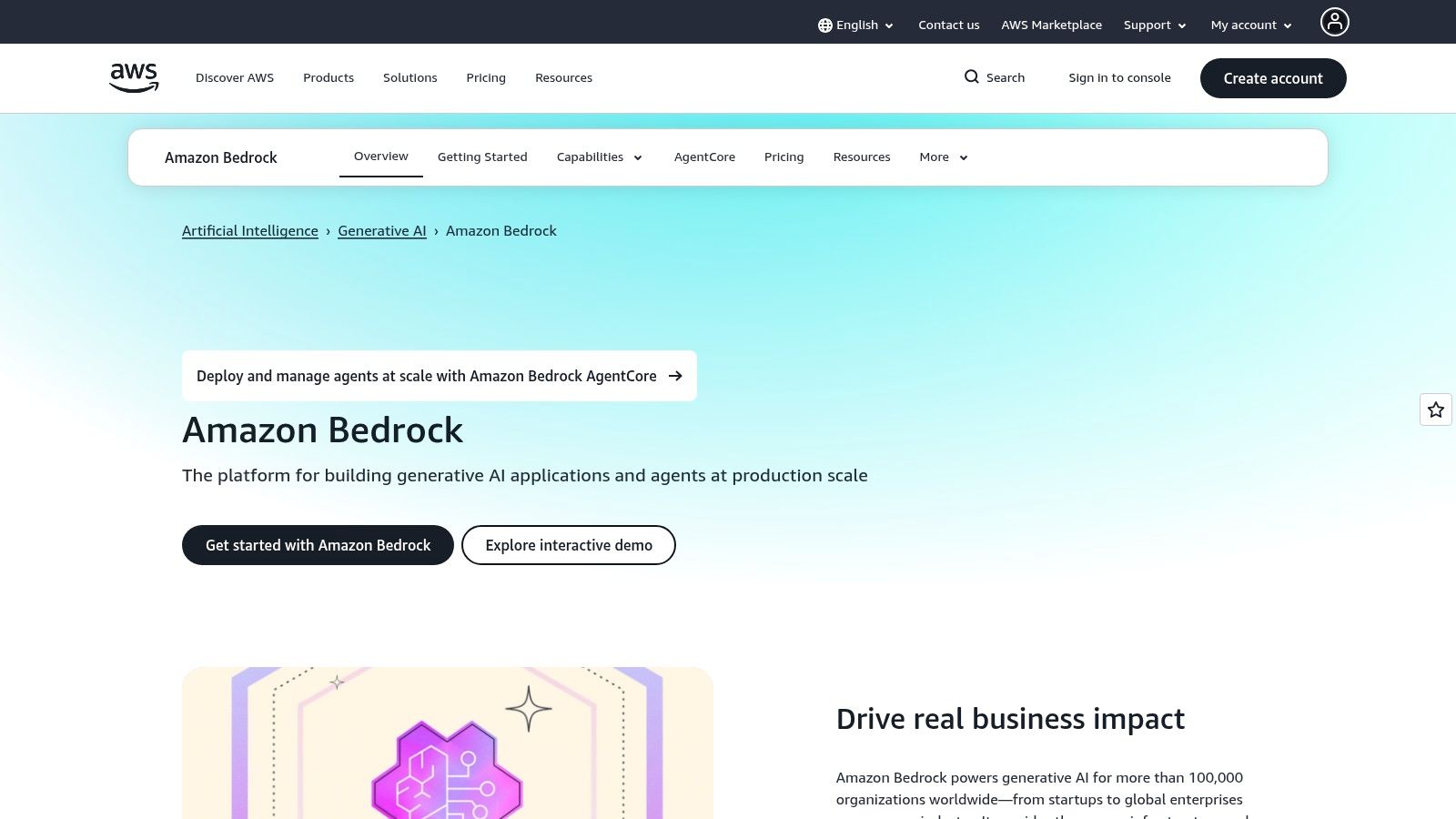
Its primary advantage is its tight integration with the AWS ecosystem, including IAM for security and CloudWatch for monitoring. For Australian businesses, the availability of Bedrock in the Sydney (ap-southeast-2) region is a significant benefit, helping to meet data residency and sovereignty requirements. This makes it a practical choice for companies already invested in AWS infrastructure looking to deploy production-grade generative AI applications securely and at scale.
Key Details & Use Cases
Ideal User: AWS-centric developers, cloud engineers, and enterprises that need to build generative AI applications with specific data residency, security, and governance controls.
Sample Use Case: An Australian financial services company uses Bedrock to build an internal Q&A bot. They connect it to a knowledge base hosted in an S3 bucket in the Sydney region, ensuring sensitive financial documents never leave the country, while using Guardrails to prevent the model from discussing investment advice.
Pricing: Follows a complex, multi-component pay-as-you-go model. Costs are calculated based on the specific model used, token throughput, and any additional features like Agents or Knowledge Bases.
Demonstrating Proficiency: Create a serverless application using AWS Lambda that calls the Bedrock API to summarise text or classify documents stored in S3. Document the IAM roles and policies you configured to grant secure access, and explain why you chose a particular foundation model for your task.
Website: https://aws.amazon.com/bedrock/
6. Cohere Platform (Command, Rerank, Embed)
Cohere offers an enterprise-focused suite of GenAI tools designed for building powerful search, chat, and retrieval-augmented generation (RAG) applications. Its core strength lies in a pragmatic, retrieval-centric stack, with its Command (chat/generation), Rerank, and Embed models working together to deliver highly relevant and accurate results from enterprise data. The platform provides strong support for private deployments, making it a solid choice for organisations with strict data privacy and governance requirements.

This focus on retrieval makes Cohere a go-to for building advanced search systems or chatbots that need to ground their responses in specific documents. The Rerank API, in particular, is a key differentiator, allowing developers to improve the relevance of search results from any initial retrieval system. Building these systems often requires a solid foundation, and understanding the role of Python for machine learning is essential for implementing such custom solutions.
Key Details & Use Cases
Ideal User: Enterprise developers, data scientists, and ML engineers building search and RAG systems where data privacy and result accuracy are paramount.
Sample Use Case: An internal knowledge management system for a large corporation uses Cohere's Embed API to index documents and its Rerank API to surface the most relevant paragraphs for employee queries, significantly improving search quality over traditional keyword-based methods.
Pricing: A free tier is available for trial and development. Paid tiers are based on a pay-as-you-go model for API calls, with custom pricing for private deployments and enterprise contracts.
Demonstrating Proficiency: Create a RAG project using Cohere's Embed and Rerank APIs to build a Q&A system over a specific dataset (e.g., company annual reports). Document your performance gains from using the Rerank model and share the implementation on GitHub.
Website: https://cohere.com/
7. Databricks Mosaic AI (DBRX, Model Serving, Vector Search, Evaluation)
Databricks Mosaic AI provides an end-to-end platform for building generative AI applications directly on the Databricks Data Intelligence Platform. It is designed for organisations that already have their data, ETL, and analytics workloads within the Databricks ecosystem, offering a unified and governed path for creating GenAI apps and agents. The platform integrates model serving, vector search, evaluation, and observability tools, all within a familiar environment.
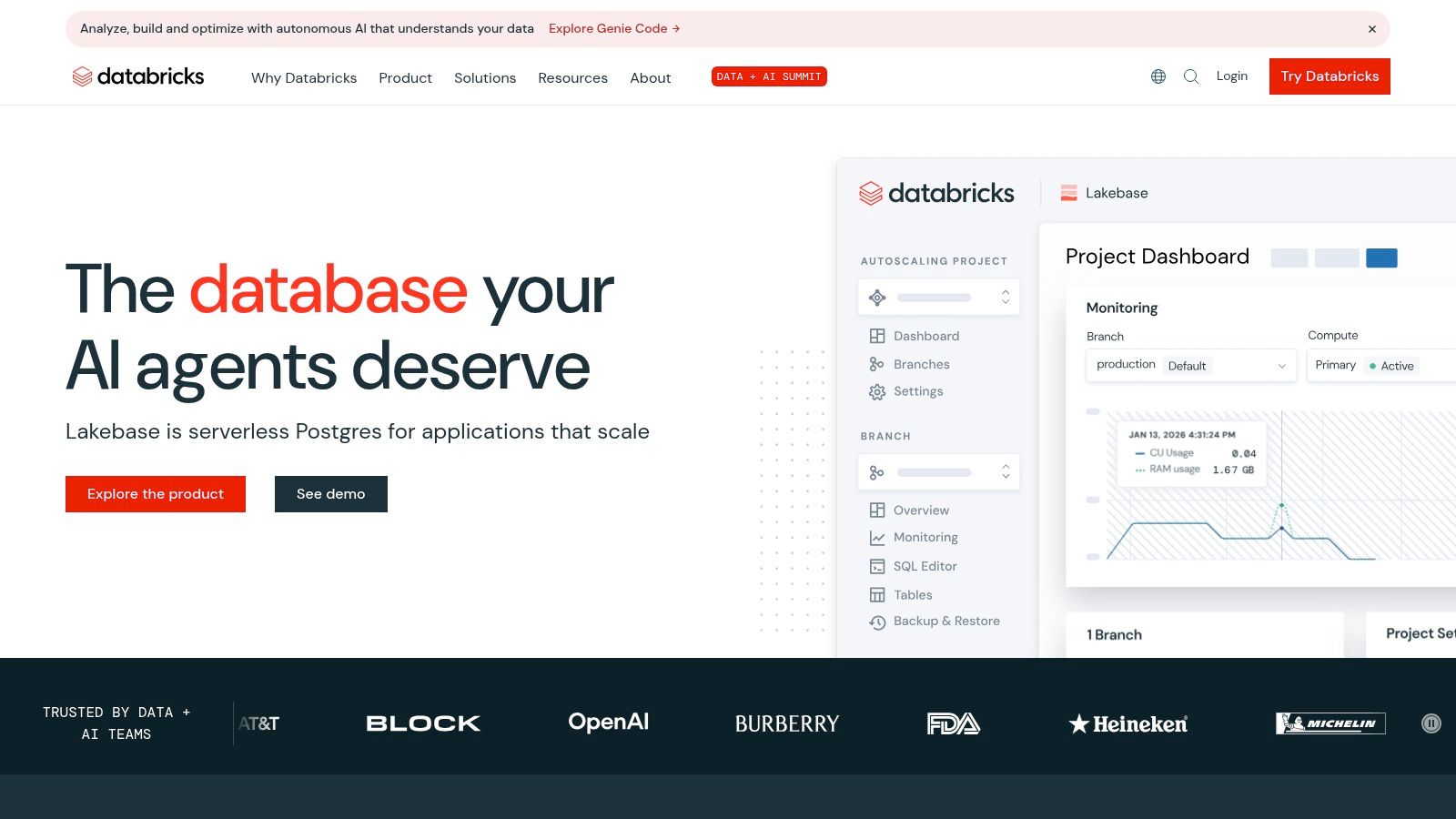
Its core advantage is the tight integration with Lakehouse security, governance, and billing. This allows teams to build on their existing data with full control and cost visibility through system tables. For companies heavily invested in Databricks, it avoids the complexity of stitching together multiple external services, presenting a more direct route to production-ready GenAI tools.
Key Details & Use Cases
Ideal User: Data engineers, data scientists, and ML teams working within an established Databricks environment.
Sample Use Case: An enterprise data team can use Mosaic AI to build a RAG application that queries their proprietary data stored in Delta Lake. They can deploy a model like DBRX via a managed serving endpoint and use the integrated Vector Search to find relevant documents, all while tracking costs with system tables.
Pricing: Consumption is based on Databricks Units (DBUs), which can be complex as costs depend on the specific cloud SKU and concurrency levels.
Demonstrating Proficiency: Create a project demonstrating an end-to-end workflow on Databricks. For example, ingest data into Delta Lake, build a Vector Search index, deploy an open model via Model Serving, and create a notebook that uses these components to answer questions. Highlighting your experience with its governance and cost-tracking features is a key differentiator.
Website: https://www.databricks.com/
8. Snowflake Cortex (Cortex AI SQL, Cortex Agents, Snowflake Intelligence)
Snowflake Cortex brings generative AI capabilities directly into the Snowflake Data Cloud, allowing organisations to apply AI to their governed data without moving it. This suite includes SQL and Python functions for tasks like sentiment analysis, translation, and summarisation, along with Cortex Agents for building chatbots over enterprise data. It is a key tool for businesses standardised on Snowflake that need to run AI workflows within their existing security and billing framework.
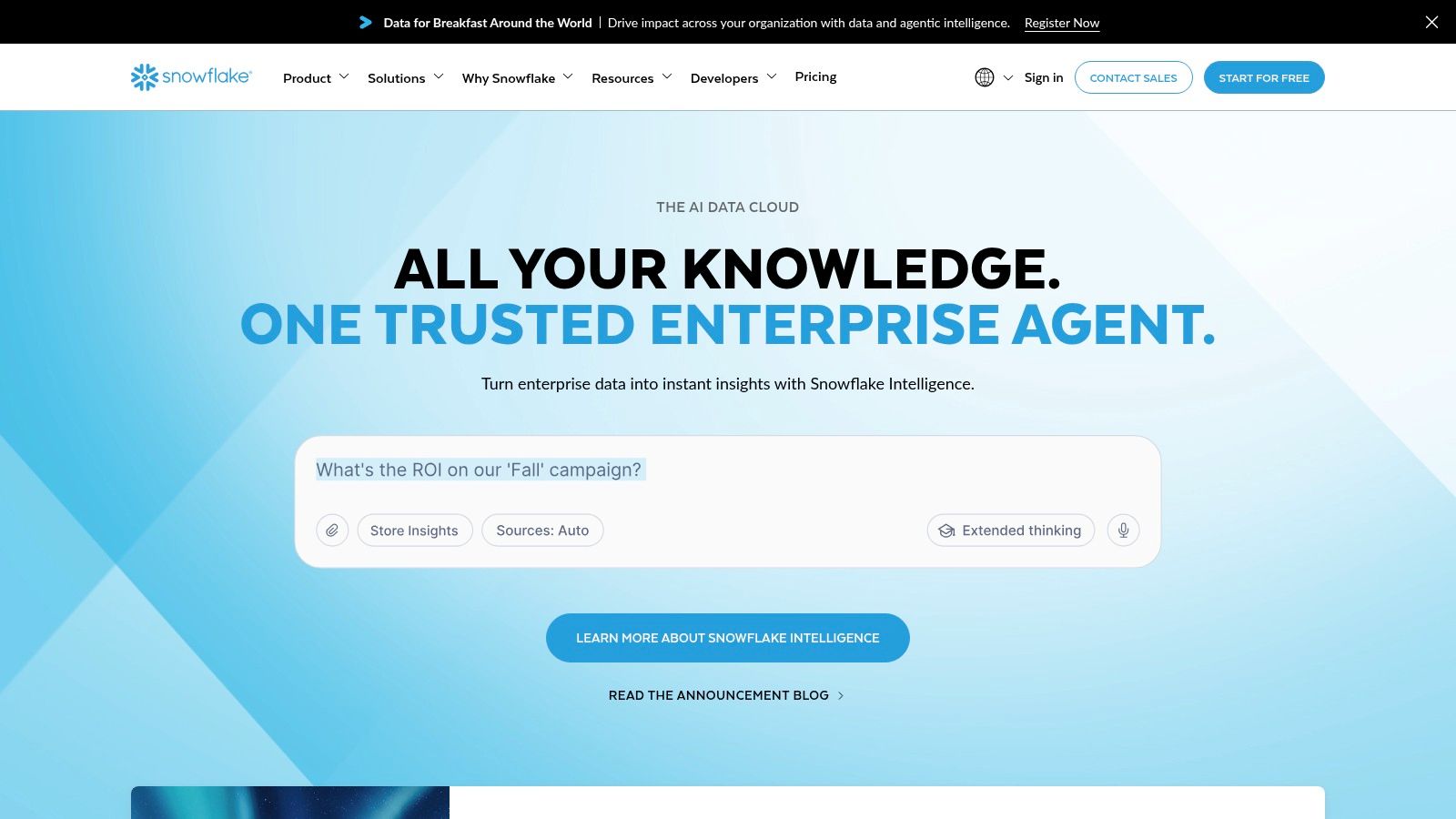
The platform’s main advantage is its data-native approach, simplifying the process for BI analysts and data engineers to integrate AI without needing separate infrastructure. It provides access to a catalogue of models and manages inference, keeping everything under Snowflake's governance umbrella. This makes it an efficient choice among GenAI tools for analytics and internal applications where data residency and security are primary concerns.
Key Details & Use Cases
Ideal User: Data analysts, BI developers, and data engineers working within a Snowflake-centric organisation.
Sample Use Case: An analytics team can use Cortex AI SQL functions directly within their queries to enrich customer feedback data with sentiment scores, then build a Streamlit dashboard summarising trends, all without leaving the Snowflake environment.
Pricing: Follows Snowflake’s credit-based, pay-as-you-go model. AI function usage consumes Snowflake credits.
Demonstrating Proficiency: Create a public-facing Streamlit app hosted in Snowflake that uses Cortex functions to analyse a dataset. Document the SQL queries and explain how you managed costs and performance. Note that feature availability varies by region, so confirm support for your target functions in Australian regions.
Website: https://www.snowflake.com/
9. Hugging Face (Hub + Inference Endpoints)
Hugging Face is the central hub for the open-source AI community, providing access to a vast catalogue of models, datasets, and collaborative tools. It distinguishes itself by offering Inference Endpoints, a managed service that simplifies the deployment of these models for production use. This allows developers to host models on dedicated, autoscaling infrastructure on their cloud of choice, giving them direct control over model selection and cost-performance trade-offs.
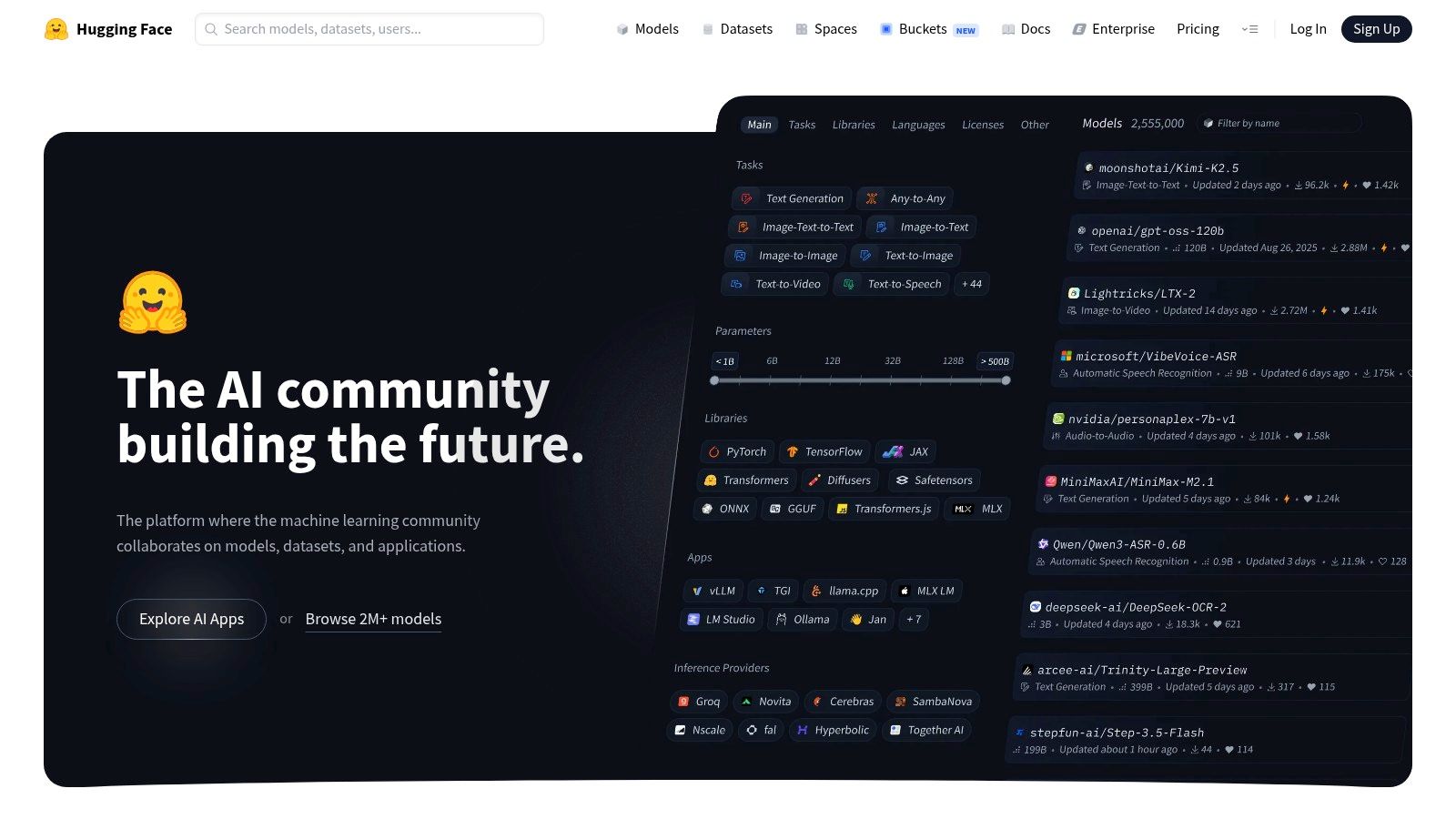
Its primary strength is the immense flexibility it offers. Instead of being locked into a single provider's models, teams can experiment with and deploy a wide range of open-source GenAI tools and models, from large language models to specialised computer vision architectures. This makes it ideal for organisations that prioritise model ownership, cost management, and the ability to fine-tune models on proprietary data for specific tasks.
Key Details & Use Cases
Ideal User: ML Engineers and organisations needing to deploy and manage open-source models with predictable costs and performance.
Sample Use Case: A media company wants to deploy a specialised text summarisation model not available via major API providers. They select an open-source model from the Hugging Face Hub, deploy it to an Inference Endpoint on AWS, and integrate it into their content management system to automatically generate article summaries.
Pricing: Inference Endpoints are priced per hour based on the selected instance type (CPU/GPU) and autoscaling settings. The Hub itself offers free and Pro/Enterprise tiers for private repositories and added features.
Demonstrating Proficiency: Create a Hugging Face Space to host a demo of a fine-tuned model. Document the process of selecting a base model, preparing a dataset, fine-tuning it for a niche task, and deploying it to an Inference Endpoint. Share the project link and performance metrics in your portfolio.
Website: https://huggingface.co/
10. GitHub Copilot (Pro, Business, Enterprise)
GitHub Copilot is an AI-powered pair programmer deeply integrated into the developer workflow. It extends beyond simple code completion, offering contextual suggestions, entire function generation, and inline chat capabilities directly within popular IDEs like VS Code and JetBrains. As one of the most widely adopted GenAI tools for developers, it accelerates coding tasks, simplifies repository comprehension, and assists in pull request reviews.
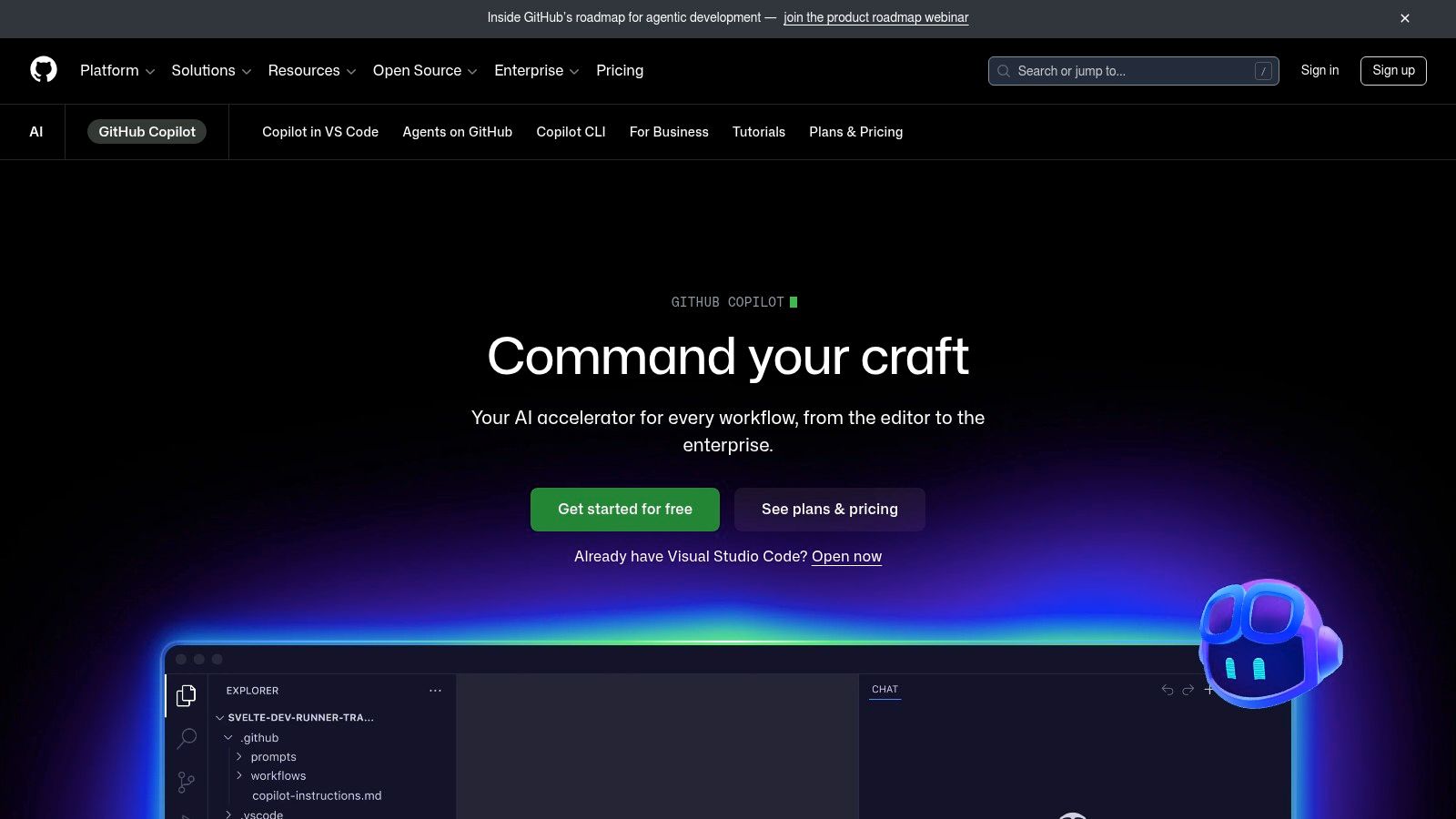
Its main advantage is the seamless integration into the environments developers already use. The tool understands the context of your entire project, leading to relevant and often surprisingly accurate suggestions. For organisations, the Business and Enterprise tiers provide crucial governance features, including policy controls and IP indemnity, making it a safe and scalable choice for professional teams.
Key Details & Use Cases
Ideal User: Software developers, DevOps engineers, and data scientists looking to increase coding productivity and automate routine tasks.
Sample Use Case: A developer can highlight a complex block of legacy code and ask Copilot Chat to "explain this code and suggest a refactor using modern practices". Copilot will provide a breakdown and generate a refactored, more efficient version.
Pricing: Offers a paid Pro plan for individuals. Business and Enterprise tiers are priced per user/month, with added security, policy management, and IP indemnity features.
Demonstrating Proficiency: Create a public GitHub repository where you document your development process, explicitly showing how Copilot was used to generate unit tests, refactor functions, or debug an issue. Add comments to your code like
// Generated by Copilotto highlight its contribution.
Website: https://github.com/features/copilot
11. Atlassian Intelligence (Jira, Confluence, JSM)
Atlassian Intelligence embeds AI assistance directly into the widely-used Jira and Confluence platforms, offering productivity boosts for teams already in the ecosystem. This collection of GenAI tools focuses on summarising complex ticket threads, drafting clear issue descriptions, and answering natural language questions using your Confluence knowledge base. It is designed for zero-friction adoption by software and IT teams who rely on Atlassian Cloud.
Its main advantage is its deep integration, respecting existing permissions and centralising admin controls within the Atlassian environment. Unlike a general-purpose LLM, its capabilities are purpose-built for product workflows, such as generating insights for roadmaps or summarising incident reports. This makes it a practical tool for improving operational efficiency rather than a platform for building new AI applications from scratch.
Key Details & Use Cases
Ideal User: Product managers, software developers, and IT support staff who use Atlassian products daily. Its strong local usage in Australia makes it a relevant skill.
Sample Use Case: A support agent can use Atlassian Intelligence to instantly summarise a long, complex customer ticket in Jira Service Management, then draft a professional response based on similar, resolved issues found in Confluence.
Pricing: Features are included in Premium and Enterprise editions of Atlassian cloud products, with availability and specific features evolving with product updates.
Demonstrating Proficiency: Describe how you used its features to accelerate a project, such as using AI-assisted JQL for complex queries or generating test cases from user stories. You can also get practical interview experience with tools like an AI interview question generator.
Website: https://www.atlassian.com/
12. Canva Magic Studio
Canva Magic Studio embeds a powerful suite of generative AI tools directly into its widely used design platform, making advanced creative tasks accessible to non-designers. It is a fantastic resource for marketing teams, startups, and anyone needing to produce branded content quickly. The studio includes features like Magic Write for text generation, Magic Media for text-to-image and video creation, and AI-powered editing like background removal and automatic resizing.
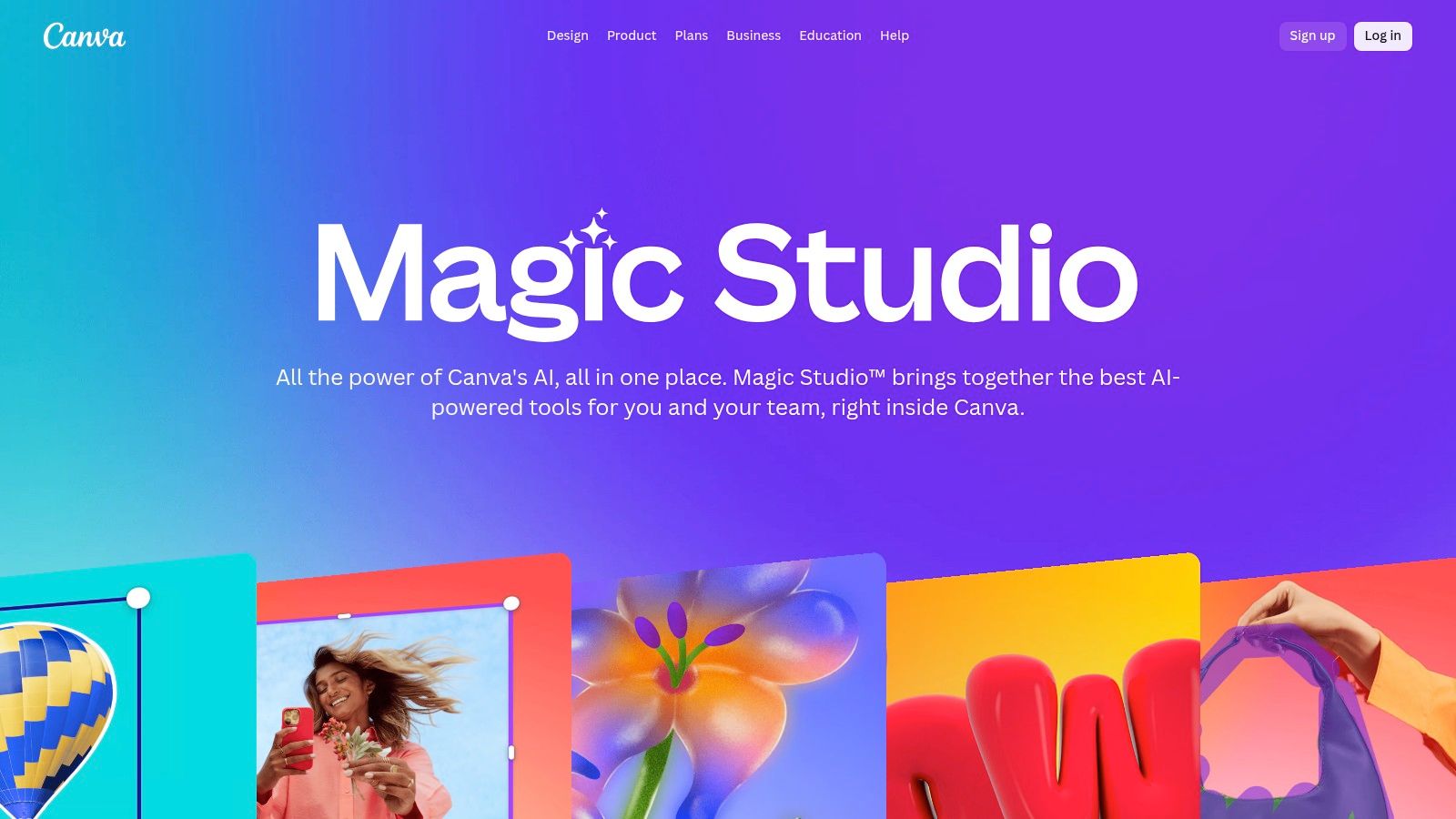
Its main advantage is the seamless integration within the Canva workflow, allowing for extremely fast content iteration and team collaboration without leaving the application. While it offers less granular control than professional design software, its speed and ease of use make it one of the most practical GenAI tools for everyday business and marketing needs.
Key Details & Use Cases
Ideal User: Marketing professionals, social media managers, and small business owners who need to create visually appealing content without extensive design training.
Sample Use Case: A marketing team can use Magic Design to generate a variety of on-brand social media posts for a new campaign, use Magic Write to draft compelling captions, and then share the results for team feedback, all within Canva.
Pricing: Core Magic Studio features are included in Canva Pro and Canva for Teams subscriptions. A limited number of uses are available on the free plan.
Demonstrating Proficiency: Create a portfolio piece showcasing a cohesive set of marketing assets (e.g., social media graphics, a presentation, and a short promotional video) generated and refined using Magic Studio tools. Document how you maintained brand consistency across the different AI-generated outputs.
Website: https://www.canva.com/magic/
Top 12 GenAI Tools Comparison
| Platform | Core Capabilities | Quality / UX | Value & Pricing | Target Audience | Unique Selling Point |
|---|---|---|---|---|---|
| OpenAI Platform (ChatGPT, API) | Text, code, image, multimodal APIs; assistants, fine-tune ✨ | ★★★★★ state-of-the-art reasoning & code | 💰 Premium, pay-as-you-go; enterprise plans | 👥 Developers, startups, enterprises | ✨ Broad SDKs & integrations · 🏆 top reasoning & coding |
| Google Vertex AI & AI Studio | Gemini models, MLOps, vector search, eval, AI Studio ✨ | ★★★★ strong infra & tooling | 💰 Enterprise GCP billing; AU regional endpoints | 👥 GCP customers, ML teams | ✨ GCP-native governance + AU regions · 🏆 integrated MLOps |
| Anthropic Claude | Long-context LLMs, tool use, Claude Code, prompt caching ✨ | ★★★★ excels at long-context & coding | 💰 Competitive API pricing (Sonnet) | 👥 Teams needing long context & safety | ✨ Safety-first models & prompt-caching · 🏆 coding/analysis focus |
| Microsoft Azure OpenAI Service | OpenAI models via Azure, RBAC, VNETs, private endpoints | ★★★★ enterprise-grade controls | 💰 Enterprise SKUs, Azure billing & quotas | 👥 Azure-centric orgs, regulated industries | ✨ VNET/private endpoints + AU East · 🏆 compliance integrations |
| Amazon Bedrock | Single API for multiple FMs, guardrails, agents, KBs ✨ | ★★★★ AWS-integrated experience | 💰 Variable (model+features); AWS billing | 👥 AWS customers needing model choice | ✨ Multi-model access via one API · 🏆 Sydney region availability |
| Cohere Platform | Embeddings, rerank, RAG, chat, private hosting ✨ | ★★★ pragmatic for retrieval stacks | 💰 Mid-range; BYO or managed deployments | 👥 Search/RAG builders, enterprises | ✨ Strong rerank & retrieval tools · 🏆 retrieval-centric stack |
| Databricks Mosaic AI | Model serving, vector search, eval, observability on Lakehouse | ★★★★ integrated analytics & ops | 💰 DBU-based consumption (complex) | 👥 Databricks customers, data teams | ✨ Lakehouse-native GenAI & cost visibility · 🏆 governance + observability |
| Snowflake Cortex | AISQL, Cortex Agents, model catalog, data-native AI | ★★★ good for BI/analytics workflows | 💰 Credit-based; keeps data in-platform | 👥 Snowflake users, analytics teams | ✨ Run AI on governed data · 🏆 data governance & auditability |
| Hugging Face (Hub & Inference) | Open model catalog, inference endpoints, fine-tuning ✨ | ★★★★ flexible but DIY | 💰 Instance-hour pricing; infra-dependent | 👥 ML engineers, researchers, infra teams | ✨ Huge open-source model choice & control · 🏆 deployment flexibility |
| GitHub Copilot | Code completion, IDE chat, PR summaries, CLI | ★★★★ boosts developer productivity | 💰 Per-user tiers (Pro/Business/Enterprise) | 👥 Developers & engineering teams | ✨ Deep GitHub/IDE integration · 🏆 immediate coding acceleration |
| Atlassian Intelligence | Ticket summarization, doc Q&A, automated drafting | ★★★ seamless in Atlassian Cloud | 💰 Included/upgrade within Atlassian plans | 👥 Software & IT teams using Atlassian | ✨ In-product AI for workflows · 🏆 zero-friction adoption |
| Canva Magic Studio | Text→image/video, Magic Write, templates & brand kits | ★★★ fast creative UX for non-designers | 💰 Freemium + team pricing | 👥 Marketing teams, startups, non-designers | ✨ Rapid design iteration & collaboration · 🏆 ease for non-designers |
From Theory to Practice: Your Next Steps in GenAI
Navigating the extensive ecosystem of generative AI tools can feel overwhelming, but as we've detailed, the key is to match the technology to the task. From foundational model providers like OpenAI and Anthropic to integrated platforms such as Snowflake Cortex and Atlassian Intelligence, the right tool exists to support your specific project needs. We have explored how a developer might use GitHub Copilot to accelerate coding, while a data scientist could build complex models on Amazon Bedrock or Google Vertex AI. The choice is less about finding a single "best" tool and more about building a versatile toolkit.
The most critical takeaway is the need to move from passive learning to active application. Reading about these GenAI tools is the first step, but true proficiency is forged through hands-on practice. This practical experience is precisely what Australian employers are searching for when hiring for AI-centric roles. They want to see how you have solved real problems, not just what tutorials you have completed.
Selecting the Right Tool for Your Goals
Your decision on which tool to master first should be strategic. Consider these factors:
Your Current Role and Tech Stack: If your organisation is heavily invested in AWS, exploring Amazon Bedrock is a logical starting point. Similarly, for teams using Jira and Confluence, Atlassian Intelligence offers immediate, practical benefits.
Your Career Aspirations: Aspiring machine learning engineers should focus on platforms like Hugging Face or Databricks Mosaic AI to gain experience with model training, fine-tuning, and deployment. Those aiming for software development roles will find immediate value in mastering GitHub Copilot.
Data Residency and Compliance: For many Australian businesses, especially in finance and government, data sovereignty is a non-negotiable requirement. Platforms like Microsoft Azure OpenAI Service, which offer local data centres, provide a significant advantage and are often preferred for enterprise applications.
Turning Knowledge into Opportunity
To truly stand out in the job market, you must create tangible proof of your skills. Start a small project this week. Build a simple application using the OpenAI API, fine-tune a model on Hugging Face, or create an automated workflow using Snowflake Cortex AI. Document your entire process, including the challenges you faced and how you overcame them.
A portfolio piece demonstrating your ability to use these GenAI tools to achieve a specific outcome is far more powerful than any certificate. This proactive approach shows initiative, problem-solving skills, and a genuine passion for the field. As you build this experience, remember to update your CV and LinkedIn profile, explicitly mentioning the tools you've used and linking to your project work. This is the evidence that will capture a hiring manager's attention. The generative AI space is advancing quickly, but by grounding your learning in practical application, you ensure your skills remain valuable and in-demand.
Now that you know which GenAI tools to focus on, the next step is finding the right opportunity to apply your skills. AI Jobs Australia is the nation's leading platform dedicated exclusively to connecting top AI talent with high-quality roles across the country. Explore curated job listings that require the exact expertise you are building by visiting AI Jobs Australia today.