
A Practical Guide to Python for Machine Learning
When it comes to machine learning, Python isn't just a popular choice; it's pretty much the industry standard. Its straightforward syntax means you can build complex models far quicker than with most other languages. This blend of simplicity and power is why it’s become the go-to for data scientists, engineers, and big-name companies all across Australia.
Why Python is So Crucial for Machine Learning
There’s a good reason Python has cemented its place at the top of the machine learning world. It's not just about writing clean code; it's about tapping into a mature, powerful ecosystem purpose-built for data-heavy work. For anyone serious about landing an AI role in Australia, getting good at Python isn't just a recommendation—it’s the bedrock of the entire field.

This dominance really comes down to a few key advantages that make a huge difference in day-to-day work and overall project success. It’s one thing to know the difference between AI and machine learning, but understanding why one language drives so much of the industry is another.
A Powerhouse of Libraries and Frameworks
Python's true superpower is its incredible collection of specialised libraries. Instead of reinventing the wheel and coding algorithms from the ground up, you can grab pre-built, highly optimised tools to do the heavy lifting. This approach saves a phenomenal amount of time and makes the field much more accessible.
You'll quickly get familiar with the big names in this ecosystem:
NumPy: The absolute foundation for numerical work, perfect for handling large, multi-dimensional arrays efficiently.
pandas: Your best friend for data wrangling and analysis, offering flexible tools like the iconic DataFrame.
scikit-learn: A one-stop shop for classic machine learning, covering everything from regression to clustering.
TensorFlow & PyTorch: The two giants in the deep learning space, used for building and training neural networks.
This rich ecosystem lets you move from raw data to a working model with incredible speed. It means your team can focus on solving the actual business problem instead of getting tangled up in low-level coding.
A Booming Market Here in Australia
The demand for Python skills is absolutely exploding locally. As Australia's machine learning scene grows, Python is the language fuelling that progress. The market shot up from USD 620 million in 2024 and is expected to hit a staggering USD 15,503 million by 2033, growing at a massive 43% compound annual growth rate.
Just look at major players like Commonwealth Bank (CBA) and National Australia Bank (NAB). They rely on Python-based ML models for everything from flagging fraudulent transactions to understanding customer behaviour. It’s clear that mastering Python is your ticket into Australia's AI-driven future.
Configuring Your Development Environment
Getting your development environment sorted is the first real step into the world of Python for machine learning. It might not sound as exciting as building models, but a well-organised setup will save you from countless headaches down the track, especially when dealing with different package versions and project dependencies. Let's get it right from the start so you can focus on the fun stuff.
Before you even think about complex algorithms, your first task is to install a recent version of Python. Aim for 3.8 or newer from the official Python website. Once that's done, the next crucial habit to develop is using virtual environments.
Think of a virtual environment as a self-contained, isolated sandbox for each of your projects. This means the libraries you install for one project won't clash with those from another—a common source of frustration. Python’s built-in venv module is a simple and effective way to manage this, keeping your projects clean and easily reproducible.
Choosing Your Workspace
The editor or notebook you choose will heavily influence your day-to-day workflow. There isn't a single "best" tool here; it really boils down to your project's needs and whether you prefer interactive exploration or more structured, production-style coding.
There's a whole ecosystem of tools out there, but most of your work will likely happen in one of these environments. Each has its place, and knowing when to use which is a key part of an efficient machine learning workflow.
Choosing Your Python ML Development Environment
| Tool | Best For | Key Strengths | Potential Drawbacks |
|---|---|---|---|
| Visual Studio Code | Large-scale projects, building production code, complex software development. | Highly customisable with extensions, excellent debugger, integrated terminal and Git support. | Can be overkill for quick, one-off analyses; initial setup can take more time. |
| Jupyter Notebook | Data exploration, prototyping, visualisation, and academic research. | Interactive 'cell-based' execution, easy to visualise outputs (plots, tables), great for storytelling. | Can lead to out-of-order execution, not ideal for version control or writing complex scripts. |
| Google Colab | Quick experiments, learning new libraries, projects requiring GPU/TPU access. | Free access to powerful hardware, zero setup required, easy sharing and collaboration. | Timeouts on long-running jobs, limited resources on the free tier, requires an internet connection. |
| PyCharm | Professional Python development, projects with a heavy software engineering focus. | Best-in-class code intelligence, powerful debugging tools, excellent refactoring capabilities. | The Professional version is a paid product; can be resource-intensive on older machines. |
Ultimately, the best choice depends on what you're trying to achieve. Don't be afraid to switch between tools as your project evolves.
From my own experience, the most effective workflow often involves a mix of these tools. I'll typically start in a Jupyter Notebook to explore a dataset and prototype a model, and once the logic is solid, I'll move into an IDE like VS Code to build it into a production-ready script.
Installing the Core Libraries
With your virtual environment activated, you'll be using pip—Python's package installer—to grab the essential tools for the job. You can get the foundational libraries for most machine learning tasks with just a few commands.
This starter pack almost always includes NumPy for numerical operations, pandas for data manipulation, and scikit-learn for building and evaluating models. Getting comfortable running pip install in your terminal is a fundamental skill you'll use constantly.
At the end of the day, a good setup is one that feels comfortable and efficient for you. Whether you prefer the all-in-one power of VS Code or the immediate visual feedback of a Jupyter Notebook, the goal is to create a space that lets you build, test, and learn without friction. This groundwork pays off big time as you start tackling more advanced challenges.
Getting to Grips with the Core ML Libraries
With your environment sorted, it's time to meet the tools that form the bedrock of pretty much every machine learning project in Python. You'll hear about NumPy, pandas, and scikit-learn constantly—and for good reason. Think of them as a team: each has a specific role, but they work together brilliantly to get you from messy, raw data to a working model.
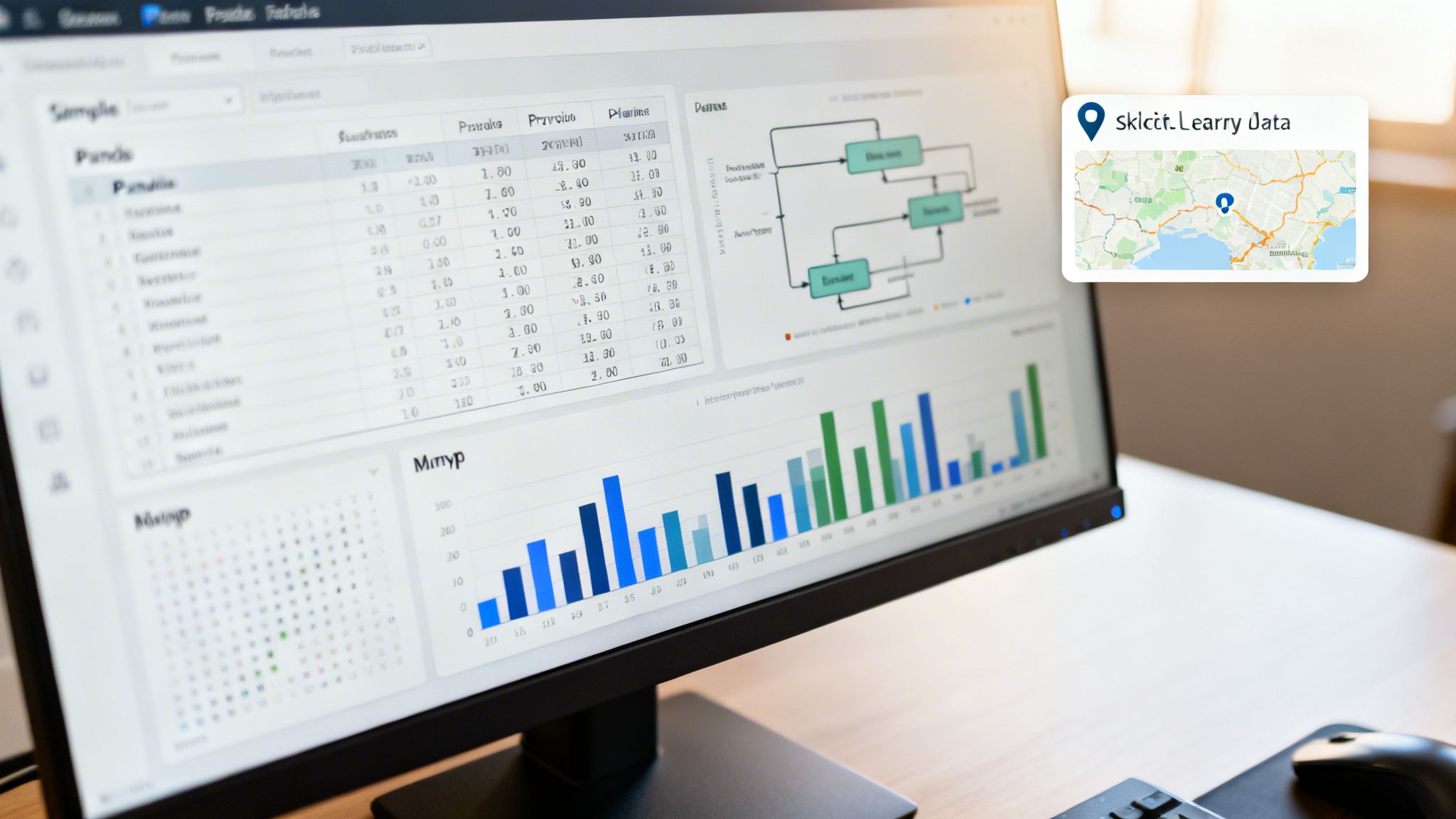
Let's look at these libraries from a practical angle. Imagine you’ve been asked to analyse customer purchase data for a big Aussie retailer like Woolworths or Coles. These are the exact tools you'd use to sift through that information and find valuable patterns.
NumPy: The Foundation for Crunching Numbers
At the very bottom of the scientific Python stack, you'll find NumPy (short for Numerical Python). Its main contribution is the high-performance N-dimensional array, a powerful way to store and manipulate massive datasets. At their core, machine learning models are just a series of mathematical operations, and NumPy is purpose-built to handle this with incredible speed.
You'll use it for everything from simple arithmetic to complex linear algebra. Its secret sauce is that it's written in C, which means its operations can be up to 50 times faster than what you'd get with standard Python lists. This isn't just a minor improvement; it's absolutely crucial when you're working with the huge datasets common in AI.
The real power of NumPy is that it serves as a universal language for data. Libraries like pandas and scikit-learn are built directly on top of NumPy arrays, making it the fundamental building block for the whole ecosystem.
Pandas: Your Go-To for Data Wrangling
While NumPy is a beast with numbers, real-world data is rarely that clean. It's often messy, unstructured, and needs a firm hand. This is where pandas shines. It introduces the DataFrame, a two-dimensional, table-like structure with labelled rows and columns that’s perfect for juggling mixed data types—think numbers, text, and dates all living together happily.
Let's jump back to our retail example. The customer data you get might be a chaotic CSV file filled with missing values, incorrect entries, and columns you don't need. Pandas turns the job of cleaning this up from a nightmare into a manageable task.
With pandas, you can:
Load data from files like CSV or Excel in a single line of code.
Clean data by easily finding and handling missing values (
NaN) or filtering out junk rows.Explore and analyse your dataset by grouping information, calculating stats, and merging different tables.
Shape your data by selecting specific columns (your 'features') to feed into a machine learning model.
Honestly, this is the library where data scientists spend most of their time. Getting good at pandas is a non-negotiable skill if you're serious about a career in python for machine learning.
Scikit-Learn: The All-in-One Machine Learning Toolkit
Once your data is clean and structured, thanks to pandas and NumPy, it’s time to build your models. For that, you’ll turn to scikit-learn. It's probably the most user-friendly and comprehensive machine learning library out there, offering a clean, consistent interface for a massive range of algorithms.
Whether you're doing regression to predict Melbourne property prices or a classification task to spot potential customer churn, scikit-learn has your back. It provides tools for the entire modelling process, from splitting your data into training and test sets to evaluating your model's performance with a whole suite of metrics.
Essentially, scikit-learn handles the heavy lifting of implementing complex algorithms from scratch. This frees you up to focus on what really matters: solving the actual business problem.
Getting Your Hands Dirty: Building and Evaluating Your First Model
Alright, you’ve got the essential libraries installed and you've played around with them. Now for the fun part: moving from theory to practice. This is where we stitch everything together—preparing the data, training a model, and then figuring out if it's any good. These are the core steps you'll repeat for just about every machine learning project you ever tackle.

This hands-on process is exactly why ML talent is so sought after here in Australia. The massive shift towards Python for machine learning is reshaping the job market, with local AI budgets expected to hit nearly AUD 6 billion by 2026. Just this year, in 2024, over 1,500 organisations were on the hunt for AI professionals, and the common thread was Python skills for doing precisely this kind of work. You can discover more insights about this trend and how Aussie companies are investing in AI.
Prepping Your Data for Modelling
Let’s be honest: raw data is almost always a mess. Before an algorithm can make sense of it, we need to clean it up. This whole stage is often called preprocessing, and it's non-negotiable. The quality of your model's predictions is directly tied to the quality of your data.
You'll find yourself doing a few common tasks over and over:
Handling Missing Values: Models hate empty cells. You’ll need a strategy, whether it's dropping rows with missing data or, more commonly, filling them in with a sensible value like the column's average or median.
Feature Scaling: Imagine you have a dataset with house prices (in the hundreds of thousands) and the number of bathrooms (a single digit). Many algorithms will give far too much weight to the house price simply because the number is bigger. Scaling brings all your features into a similar range, like 0 to 1, so they're on a level playing field.
Encoding Categorical Data: Algorithms speak in numbers, not text. Features like 'Suburb' or 'Property Type' need to be converted into a numerical format before the model can use them.
Getting this right is about making sure your model is learning from the actual signal in your data, not just noise or weird formatting.
The All-Important Train-Test Split
This is one of the most fundamental concepts in machine learning. You must split your dataset into a training set and a testing set. The training set is what you use to teach the model. The testing set is kept completely separate—the model never sees it during training—and is used for a final, honest evaluation of its performance.
Why bother? To avoid a sneaky trap called overfitting. This happens when a model gets too good at memorising the training data, including its random noise. An overfitted model looks like a genius on the data it was trained on but falls apart completely when it sees new, real-world data. Trust me, this is a classic interview question, so make sure you understand it inside and out.
A solid rule of thumb is an 80/20 or 70/30 split, with the bigger chunk used for training. Scikit-learn’s
train_test_splitfunction makes this incredibly simple to do in one line of code.
Building a Classification Model
Let's say your goal is to predict whether a customer will churn—a simple 'yes' or 'no' answer. This is a classic classification problem. A great starting point for this is an algorithm called Logistic Regression.
With scikit-learn, the process is wonderfully straightforward. You create an instance of the model, train it on your training data (X_train and y_train) using the .fit() method, and then get its predictions on your unseen test data (X_test) by calling the .predict() method.
To see how you went, you can check its accuracy. An accuracy of 85%, for example, means your model correctly predicted the outcome for 85 out of every 100 customers in your test set. Not bad for a first go!
Building a Regression Model
What if you're not predicting a category, but a number? For instance, predicting the price of a house. This is a regression problem, and the foundational algorithm for it is Linear Regression.
The great thing is, the scikit-learn workflow is almost identical. You'll instantiate the LinearRegression model, train it with .fit(), and make predictions with .predict(). The big difference is how you measure success.
Instead of accuracy, we use metrics like Mean Squared Error (MSE). This sounds complex, but it just measures the average of the squared differences between your model's predicted prices and the actual sale prices. A lower MSE is better—it means your predictions are closer to the real thing. This is the kind of practical experience Australian hiring managers are looking for.
Turning Your Project into a Portfolio Piece
So, you’ve built a model. That's a massive achievement, but its real power in your job search isn’t just in the code itself—it’s in how you present it. A brilliant model collecting digital dust on your hard drive isn’t going to land you an interview. To really get a recruiter’s attention, you need to shape your technical work into a compelling story that highlights not just your coding skills, but your business sense too.
It's about going beyond the script. The aim is to prove you can do more than just build something that works; you need to show you understand the 'why' behind it and can communicate its value clearly. This is a non-negotiable skill for any aspiring AI professional in Australia.
Documenting Your Work on GitHub
Think of your GitHub repository as your professional showroom. A messy, undocumented project sends the wrong message. A clean one, however, with a detailed README.md file, tells a hiring manager you’re organised, methodical, and professional. Don't just dump your code and run—walk them through it.
Your README should be a mini-report that covers:
A Project Overview: What problem were you trying to solve? What was the end goal?
The Dataset: Where did you get the data? What were its key characteristics or challenges?
Your Process: Briefly outline your journey. Talk about the data cleaning, preprocessing, model selection, and evaluation.
Results: What did you find? Share the performance metrics and what they actually mean.
Good documentation shows you can think through a problem from start to finish and explain complex concepts simply. Every employer is looking for that.
Showcasing End-to-End Capabilities
Want to really stand out? Show that you can get your model out of a Jupyter Notebook and into a simple, interactive application. This proves you understand the entire project lifecycle, which is a far more valuable and sought-after skill than just model building alone.
Python's grip on Australia's AI scene is undeniable, especially in sectors like finance and healthcare. This is driving a market valued at AUD 2.61 billion in 2025, which is expected to rocket forward at a 47.40% CAGR through 2035. Big players like CBA and NAB are using Python for machine learning for everything from fraud detection to operational analytics, leading to huge cost savings and efficiency boosts. When you deploy a model, you're showing you have the practical skills this booming market demands. Read the full research about AI adoption in Australian business.
I always tell junior developers this: use a simple framework like Streamlit or Flask to wrap your model in a basic web interface. It lets a hiring manager actually interact with your work. This immediately turns an abstract piece of code into something tangible and proves you can deliver a complete solution.
This one step takes your work from being just a 'personal project' to a genuine, professional portfolio piece. For more tips on building your career, have a look at our practical guide on how to become an AI engineer.
Common Questions About Python for ML
As you start your journey with Python for machine learning, you're bound to have questions. It's a fast-moving field, and knowing where to put your energy is crucial, especially if you're targeting a role in Australia's competitive tech scene. Let's dig into some of the most common queries I hear from aspiring ML pros.
Getting these answers straight helps you build a smarter learning path, one that takes you from theory to the practical skills Australian employers are looking for right now.
Which Deep Learning Library Should I Learn First: TensorFlow or PyTorch?
This is the big one for anyone ready to step into deep learning. The short answer? You can't really make a bad choice here. Both TensorFlow and PyTorch are industry powerhouses with incredible support and capabilities.
Lots of people find PyTorch more intuitive and ‘Pythonic’. Its flexibility makes it a favourite in research circles and for anyone just starting out, as it really helps you get a feel for the underlying concepts. On the other hand, TensorFlow, especially with its high-level Keras API, is an absolute beast for production. It’s built for scale, which is why you see it so often in large enterprise systems.
For anyone looking for a job in Australia, being proficient in either is a massive plus. My advice? If you're new to deep learning, maybe start with PyTorch to nail the fundamentals. Once you feel comfortable, exploring TensorFlow will give you a great perspective on building larger, deployment-ready models.
How Much Maths Do I Really Need for a Python Machine Learning Job?
You definitely don't need a PhD in applied mathematics, but you can't ignore it entirely. The key isn't about proving complex theorems from scratch; it's about understanding why the algorithms work the way they do.
Here's where you should focus your efforts:
Linear Algebra: This is the language of data. Getting comfortable with vectors and matrices is non-negotiable.
Calculus: Concepts like derivatives and gradients are the engine that drives model optimisation—it's literally how models learn.
Statistics and Probability: This is all about making sense of your data and results. Things like mean, variance, and different probability distributions are fundamental.
While Python libraries like NumPy do all the heavy lifting for you, a solid grasp of the maths is what allows you to choose the right model, tune its parameters effectively, and actually trust its predictions. It's what separates a good ML engineer from a great one.
What Kind of Projects Will Actually Impress Australian Employers?
This is where you can really stand out. Employers here want to see practical, end-to-end projects that solve a real-world—and preferably, a recognisable—problem.
Sure, the standard tutorial projects are fine for learning, but they don't turn heads. Instead of doing another analysis on the Titanic dataset, why not tackle something with a bit of local flavour? Dig into data from sources like the Australian Bureau of Statistics or data.gov.au.
Imagine building a model that predicts bushfire risk based on climate data, analyses property price trends in Sydney, or classifies native Australian wildlife from images. That’s the kind of thing that gets you noticed.
The trick is to document your entire process on GitHub. Explain your thinking, show your code, and discuss your results. If you can take it a step further and deploy it as a simple web app, you’re demonstrating a complete skillset that companies are desperate for.
Ready to find your next role in the Australian AI industry? At AI Jobs Australia, we connect top talent with verified opportunities in machine learning, data science, and more. Explore the latest AI jobs and create your profile today.