
The Top 12 Python Libraries for Machine Learning in 2025
The world of artificial intelligence is powered by a sophisticated ecosystem of tools, and at its core are the indispensable python libraries for machine learning. For aspiring and established AI professionals across Australia, from data scientists in Melbourne to ML engineers in Brisbane, mastering these libraries is non-negotiable. It is the key to building robust models, processing vast datasets, and ultimately, securing top-tier roles in a competitive market.
However, navigating the sheer volume of available tools can be a significant challenge. How do you distinguish the foundational from the niche, or decide which framework best suits your project's specific needs? This curated guide is designed to cut through the noise, providing a definitive catalogue of the most critical libraries and platforms that power modern AI development. We move beyond simple descriptions to offer practical, real-world insights into each tool's strengths and weaknesses.
This comprehensive resource will analyse the essential frameworks like scikit-learn, deep learning powerhouses such as TensorFlow and PyTorch, and specialised libraries for tasks like natural language processing and gradient boosting. For each entry, we provide a detailed breakdown covering its primary use case, tangible pros and cons, and a short code example to demonstrate its core functionality. We also map proficiency in these libraries directly to the skills that Australian employers are actively seeking, helping you align your learning with career outcomes. This is your roadmap to building a production-ready skillset for 2025 and beyond.
1. Python Package Index (PyPI)
The Python Package Index, or PyPI, is the official and most comprehensive software repository for the Python programming language. It serves as the foundational starting point for any project involving python libraries for machine learning. Think of it not as a library itself, but as the universal library catalogue from which you source nearly all the tools discussed in this list, including TensorFlow, PyTorch, and scikit-learn.
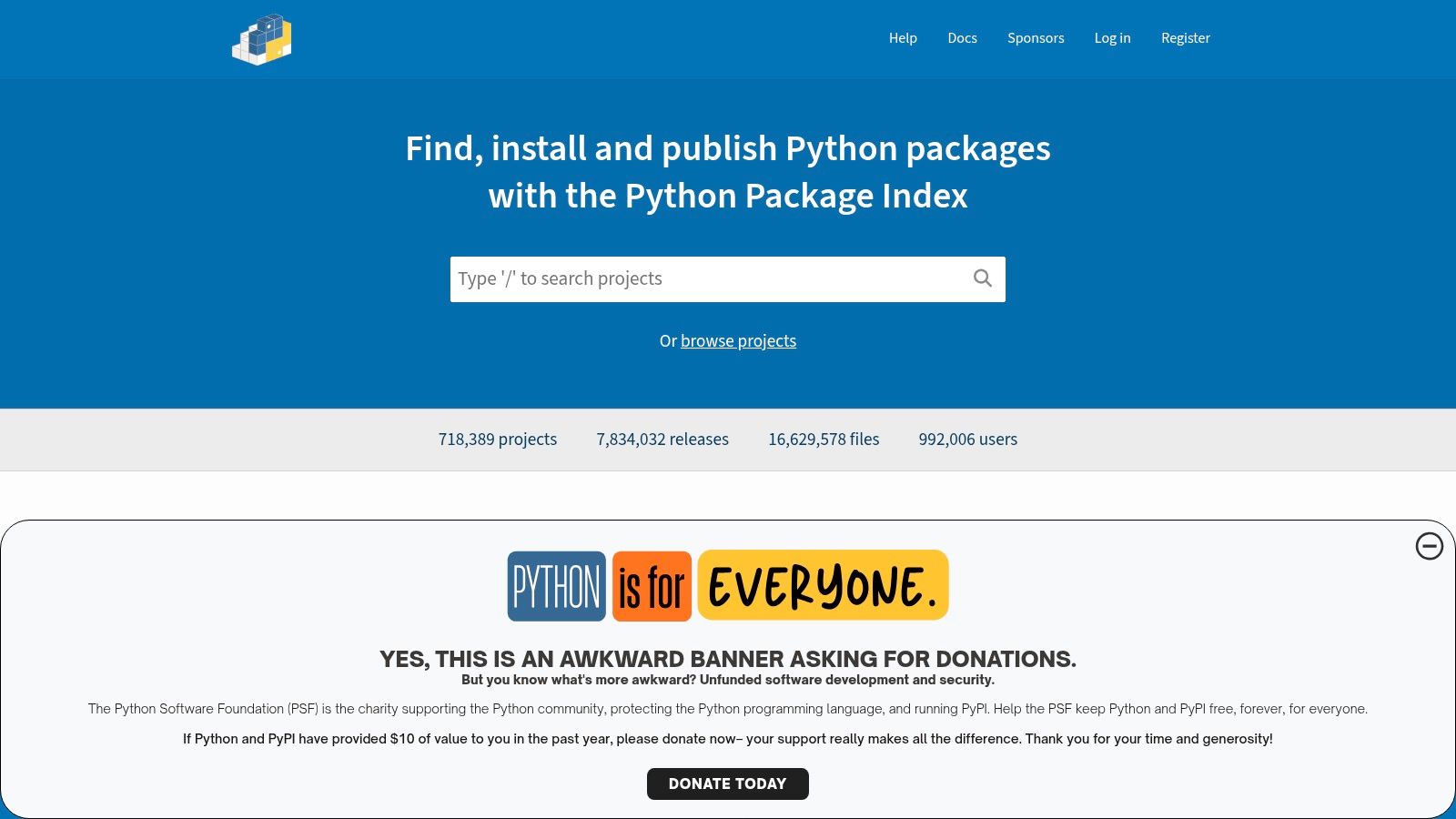
Its primary function for an AI developer is providing direct access to over 700,000 projects via the pip command-line tool. PyPI is the fastest, most direct way to get the latest stable releases of libraries. The platform’s interface allows you to explore release histories, read metadata, and check dependencies, which is crucial for ensuring compatibility and assessing a package's maturity before integrating it into your environment. Proficiency with PyPI and dependency management is a core skill for any professional, a fact reflected in many Australian Python developer job descriptions.
Key Features and Usage
PyPI is a free, open-access resource. Its real power lies in its deep integration with Python's ecosystem.
- Centralised Access: It is the single source of truth for installing packages with
pip install <package-name>. - Rich Metadata: Each package page details the author, license, project links, version history, and required Python versions, helping you make informed decisions.
- Automation Endpoints: Provides a JSON API that allows tools like Poetry and Pipenv to resolve dependencies automatically, which is vital for creating reproducible research and production environments.
While indispensable, it's important to be cautious. The quality and security of packages can vary significantly. Always verify package names to avoid "typosquatting" (malicious packages with similar names to popular ones) and favour libraries with active maintenance.
| Aspect | Evaluation |
|---|---|
| Use Case | Discovering, installing, and managing nearly all third-party Python libraries for any ML or data science project. |
| Pros | The most direct way to access the latest library versions; excellent for automated dependency management. |
| Cons | Package quality and security are not guaranteed; requires user diligence to vet packages for production use. |
| Access | Completely free and publicly accessible at https://pypi.org. |
2. Anaconda Distribution (and Anaconda.org)
Anaconda Distribution is a free, open-source platform designed to simplify package management and deployment for scientific computing. For anyone starting with python libraries for machine learning, it acts as a comprehensive toolkit, bundling Python with hundreds of the most popular data science packages (like NumPy, pandas, and scikit-learn) into a single, straightforward installation. It is particularly renowned for its package and environment manager, conda.
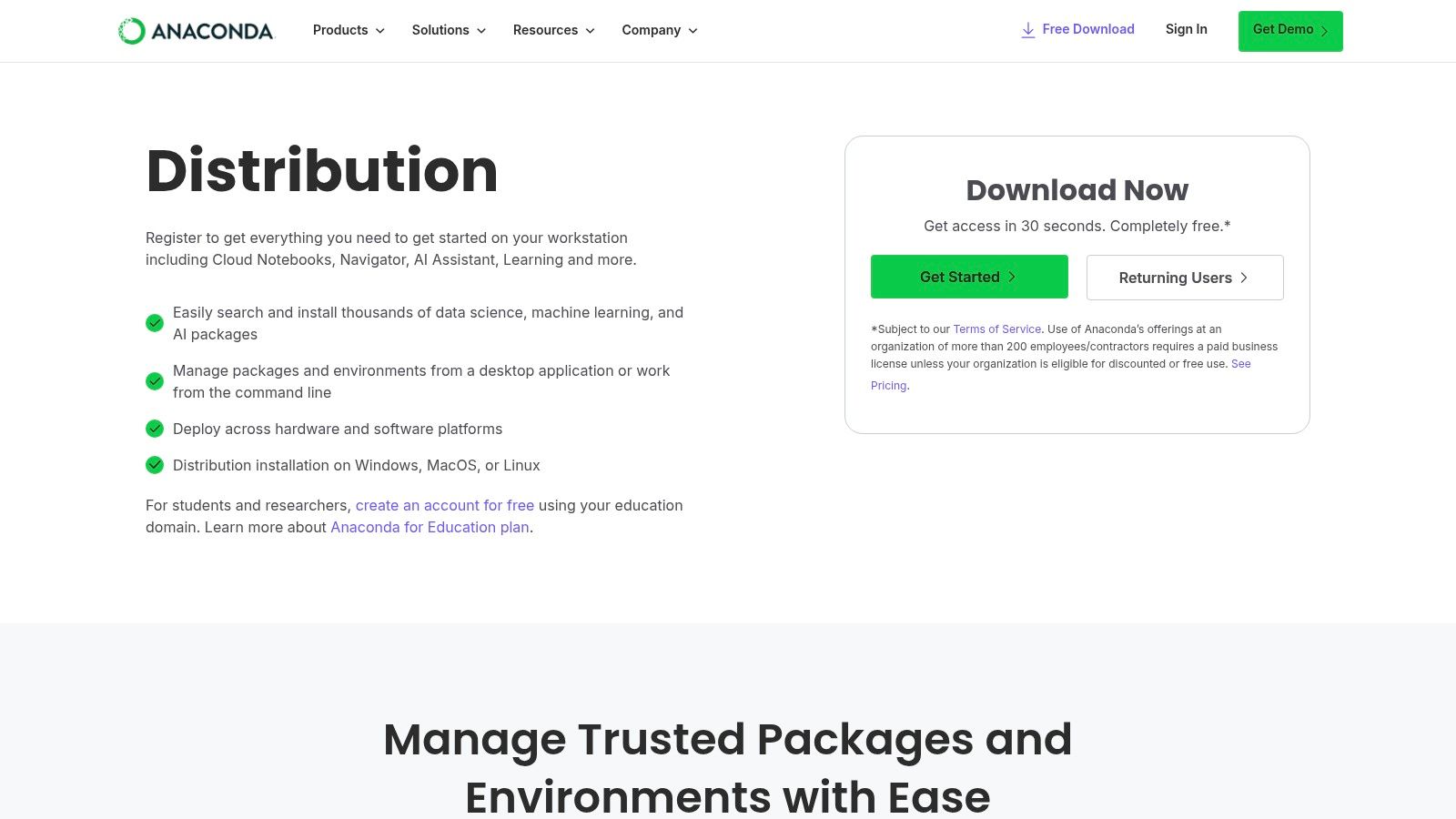
Unlike PyPI, which manages Python-specific packages, Anaconda’s strength lies in its ability to handle complex, cross-platform dependencies, including non-Python libraries like CUDA for GPU acceleration. This makes setting up a robust ML environment on any operating system significantly easier. The Anaconda Navigator provides a graphical user interface (GUI) for users less comfortable with command-line tools, allowing for intuitive management of environments and applications like JupyterLab and Spyder. This focus on a smooth, all-in-one setup makes it a go-to for both beginners and professionals who need reliable, reproducible environments.
Key Features and Usage
The platform is designed to get you productive with ML development quickly, removing common setup hurdles.
- Pre-configured ML Stack: Comes with over 250 data science packages pre-installed, eliminating the need to install core libraries one by one.
- Powerful Environment Management: The
condatool allows you to create isolated environments with different Python versions and package dependencies, which is essential for project reproducibility. - Simplified Dependency Resolution: Excels at installing packages with complex compiled dependencies (e.g., GPU-enabled libraries), a common pain point when using
pipalone. - Anaconda Navigator: A desktop GUI that simplifies launching applications and managing packages and environments without using the terminal.
| Aspect | Evaluation |
|---|---|
| Use Case | A foundational platform for setting up and managing a complete data science and ML development environment, especially for complex dependencies. |
| Pros | Dramatically simplifies environment setup across Windows, macOS, and Linux; excellent for managing non-Python and compiled dependencies. |
| Cons | Commercial use by organisations with over 200 employees requires a paid licence; can have a larger disk footprint than a minimal Python install. |
| Access | The Individual Edition is free for personal use and small businesses at https://www.anaconda.com/products/distribution. |
3. conda-forge
For those working within the Anaconda ecosystem, conda-forge is the community-led equivalent of PyPI. It is a massive, free repository of software "recipes" and pre-compiled binaries, making it an indispensable resource for installing complex python libraries for machine learning and their dependencies. Where pip and PyPI manage Python packages, conda-forge, accessed via the conda command, manages entire software environments, including non-Python dependencies like CUDA, which is critical for GPU-accelerated deep learning.
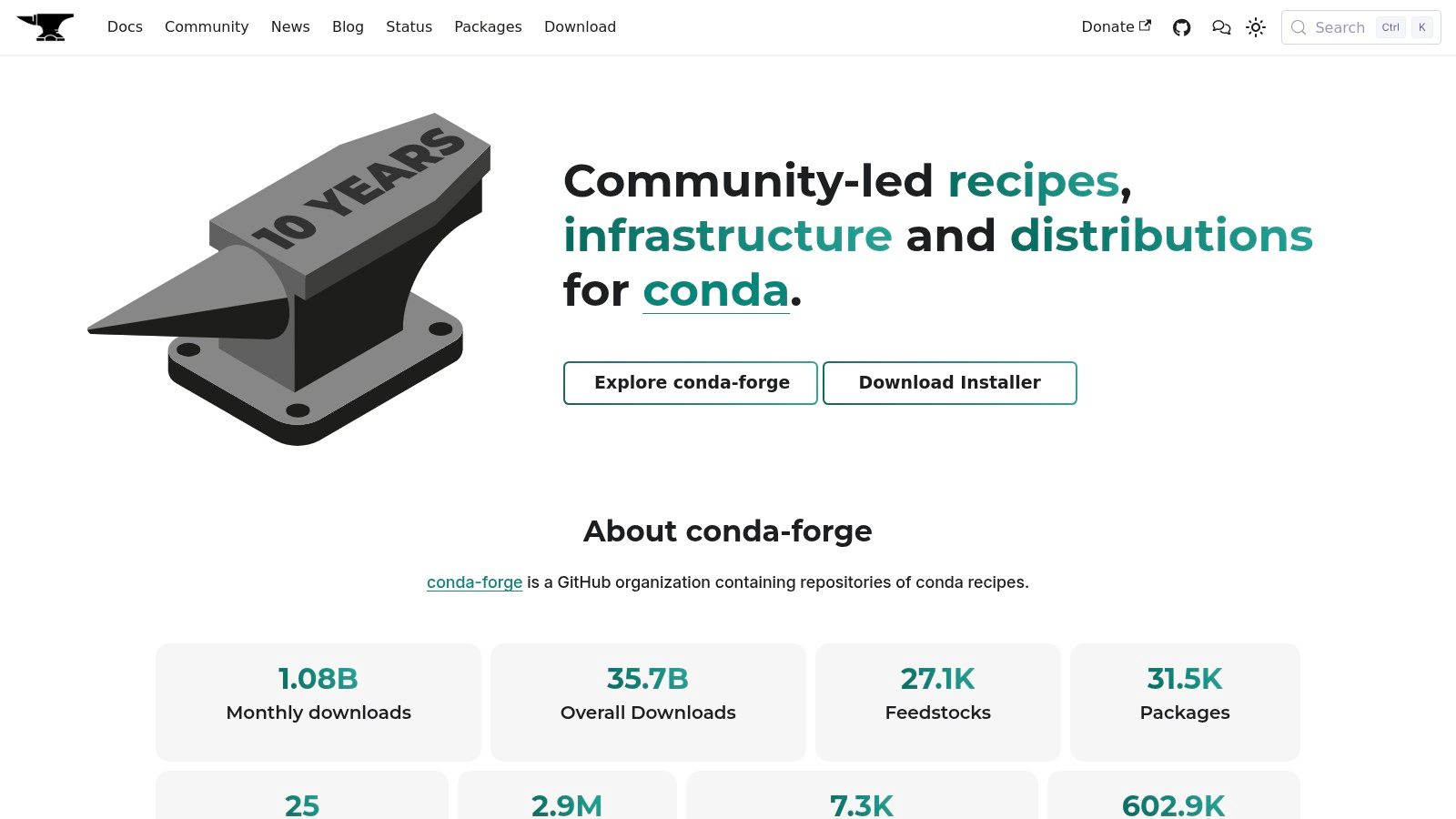
The primary advantage of conda-forge is its focus on robust, cross-platform binary distribution and dependency resolution. It often provides faster access to up-to-date, multi-architecture packages (including for Apple Silicon) than default Anaconda channels. The entire build process is transparent and GitHub-based, allowing for community contributions and review. This makes it a go-to for data scientists who need to ensure their complex ML environments are reproducible across different operating systems without spending hours resolving compilation issues.
Key Features and Usage
Conda-forge excels at simplifying the setup of scientific and machine learning environments. Its packages are installed using conda install -c conda-forge <package-name>.
- Community-Driven: Thousands of contributors maintain recipes, ensuring a vast and current selection of packages.
- Cross-Platform Binaries: Provides pre-compiled packages for Windows, macOS (Intel/ARM), and Linux, eliminating the need for local compilation.
- Superior Dependency Management: The conda solver is generally more powerful than pip's for resolving complex, non-Python dependencies, preventing common environment conflicts.
While incredibly powerful, its community-driven nature means it isn't a vendor-curated channel. Some enterprise environments with strict compliance policies may prefer official Anaconda channels, even if they are updated less frequently.
| Aspect | Evaluation |
|---|---|
| Use Case | Installing complex ML libraries and managing entire software environments, especially those with non-Python dependencies. |
| Pros | Excellent cross-platform binary support (including ARM); powerful dependency resolution; often has the latest versions. |
| Cons | As a community channel, it may lack the formal vendor vetting required by some enterprise compliance standards. |
| Access | Completely free and publicly accessible at https://conda-forge.org. |
4. GitHub
GitHub is the world's leading code hosting platform and the de facto home for the source code of nearly all major python libraries for machine learning. While PyPI is the catalogue for distribution, GitHub is the workshop where these tools are actively built, debated, and refined. For any serious machine learning practitioner, it is the ultimate source of truth for a project's development status, future direction, and community health.
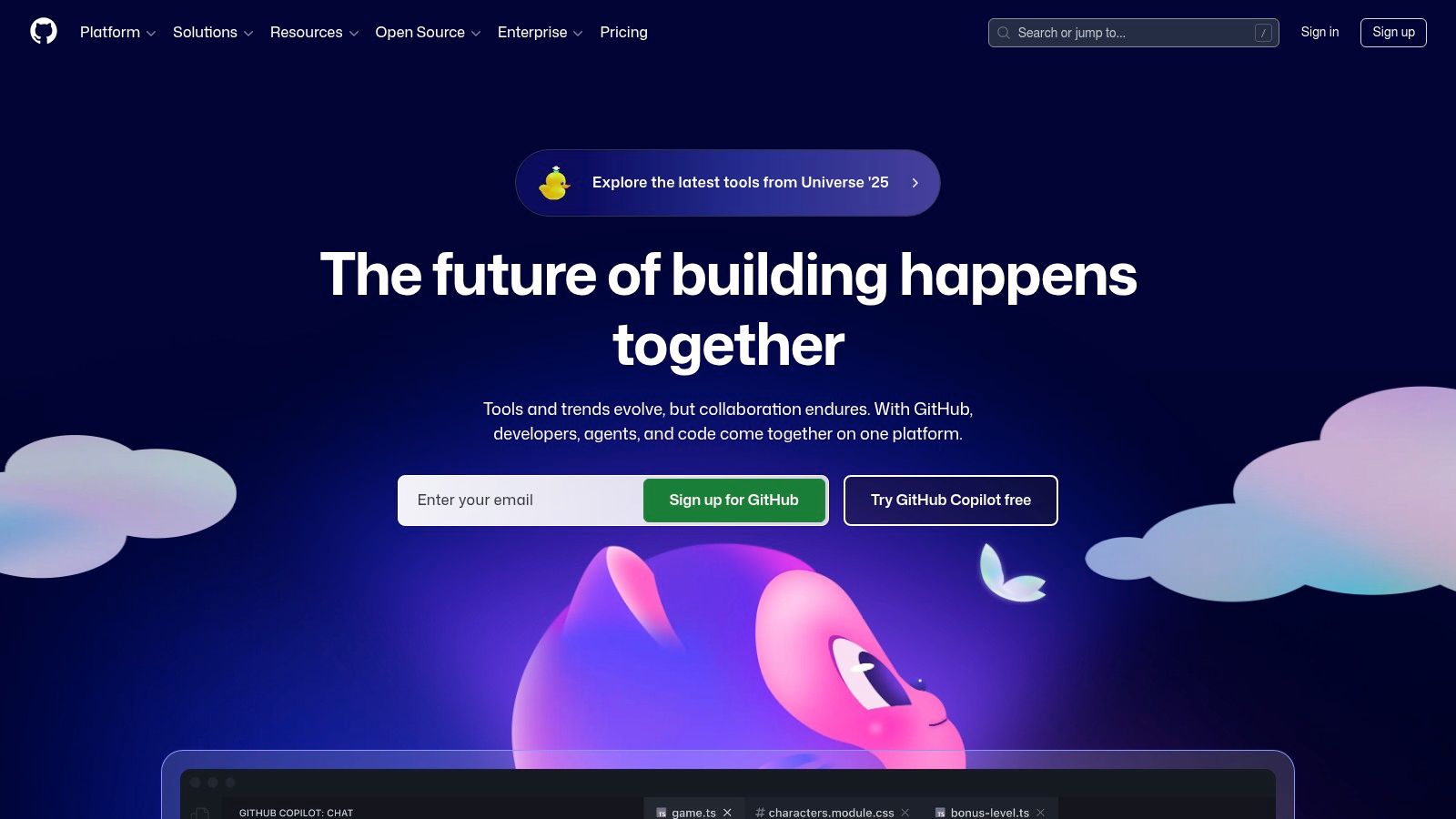
Its core value for ML developers is providing direct, transparent access to the entire lifecycle of a library. You can browse the source code of TensorFlow, track bug reports and feature requests for scikit-learn in the "Issues" tab, and even see proposed changes in "Pull Requests". Community signals like stars and forks also provide a quick gauge of a project's popularity and momentum. For those needing the absolute latest features, GitHub is where you find development branches and pre-release binaries.
Key Features and Usage
GitHub is free for public repositories, making it accessible to everyone. Its power lies in its role as a collaborative hub for the entire open-source ecosystem.
- Source Code Access: Provides complete visibility into the implementation details of libraries, which is invaluable for advanced customisation and debugging.
- Issue Tracking: The "Issues" tab is the primary forum for reporting bugs, requesting features, and finding community-sourced solutions to common problems.
- Community Engagement: Allows developers to contribute directly to projects through pull requests, participate in discussions, and stay informed about development roadmaps.
While it offers bleeding-edge access, relying on development branches can be risky. Building from source can be complex and often introduces instability not present in official PyPI releases. It's best used for research, bug-fixing, or when a specific unreleased feature is critical for your project.
| Aspect | Evaluation |
|---|---|
| Use Case | Accessing library source code, tracking development progress, reporting bugs, and getting pre-release or development versions of ML libraries. |
| Pros | Direct access to the latest features and fixes; transparent view of project activity and community support. |
| Cons | Building from source can be complex and error-prone; development builds often lack the stability of official releases. |
| Access | Free for public repository access and participation at https://github.com. |
5. scikit-learn (official site)
The official scikit-learn website is the definitive resource for one of the most foundational python libraries for machine learning. It's more than just a documentation portal; it is an integrated learning platform providing a comprehensive user guide, detailed API references, and a wealth of practical examples. This site is the epicentre for anyone working with classical, non-deep-learning models on structured or tabular data.
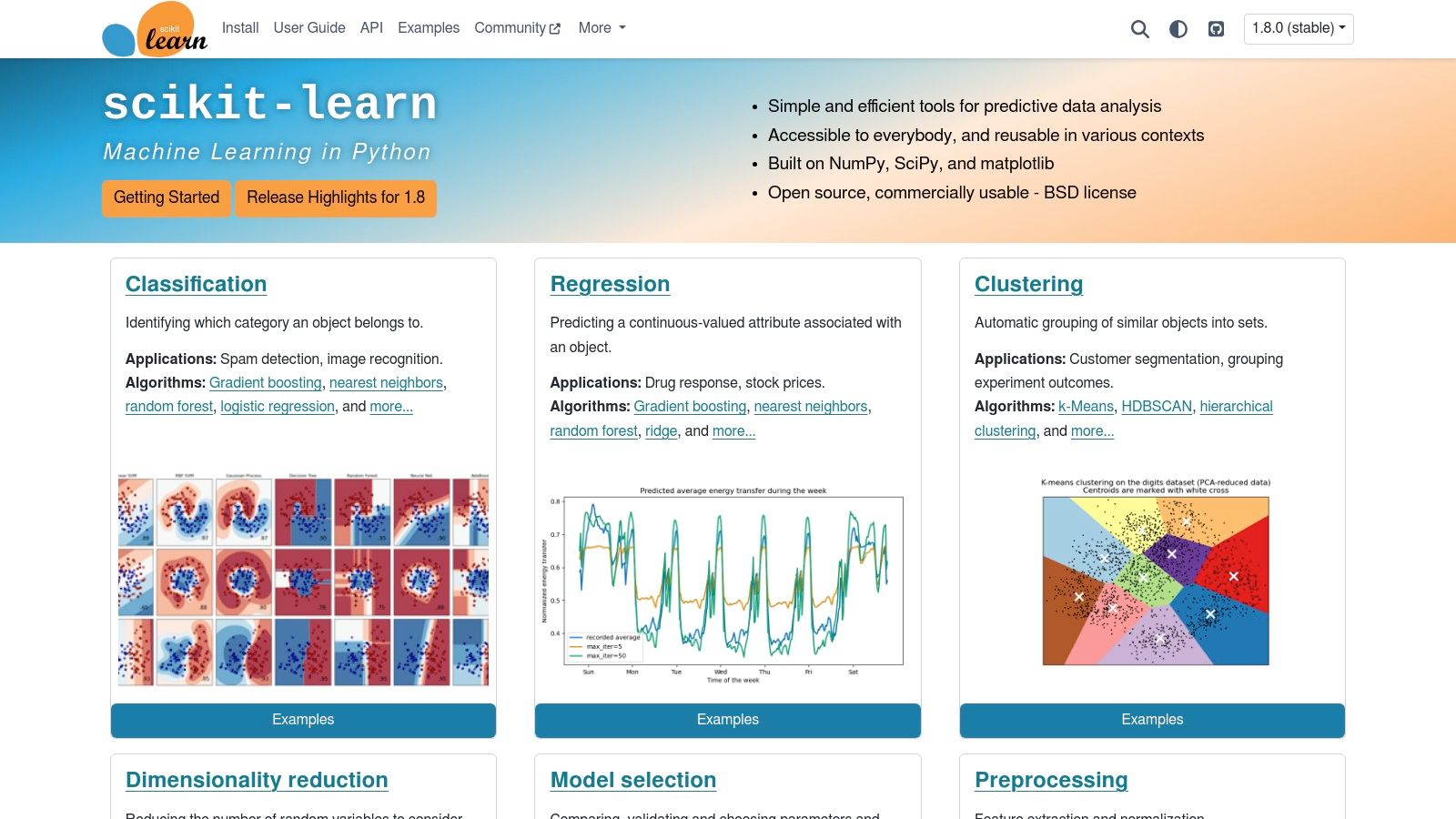
Its educational value makes it indispensable. The tutorials and user guides are structured to take you from foundational concepts like preprocessing and model selection to advanced pipeline construction and hyperparameter tuning. This depth of documentation is a primary reason why proficiency with scikit-learn is a core requirement in countless Australian machine learning engineer roles. The site’s clear navigation and linked examples ensure that you can quickly find the exact algorithm or utility you need and understand how to implement it correctly.
Key Features and Usage
The scikit-learn website is completely free, offering an organised and accessible pathway to mastering the library.
- Comprehensive User Guide: Provides in-depth explanations of underlying algorithms and practical guidance on their application, complete with code snippets.
- Detailed API Reference: An exhaustive, searchable reference for every class, function, and method in the library, making it easy to check parameters and attributes.
- Rich Example Gallery: A vast collection of real-world examples that you can adapt for your own projects, covering everything from text classification to clustering.
While it excels at classical ML, it is not designed for building large-scale deep learning or neural network models from scratch. For those tasks, it's best used in a complementary role for data preprocessing or model evaluation alongside frameworks like PyTorch or TensorFlow.
| Aspect | Evaluation |
|---|---|
| Use Case | Learning, referencing, and finding implementation examples for classical ML tasks like regression, classification, and clustering. |
| Pros | World-class documentation and tutorials; stable, well-designed API; excellent integration with the scientific Python stack. |
| Cons | Not suitable for deep learning workflows; functionality is focused on CPU-based computation rather than GPU acceleration. |
| Access | Completely free and publicly accessible at https://scikit-learn.org. |
6. TensorFlow
TensorFlow is Google's comprehensive, end-to-end platform for building and deploying machine learning models. As one of the most foundational python libraries for machine learning, it offers a vast ecosystem of tools and libraries that support everything from initial model development with its high-level Keras API to production-grade deployment using TensorFlow Extended (TFX). Its strength lies in its scalability and production-readiness, making it a go-to for complex, large-scale deep learning applications.
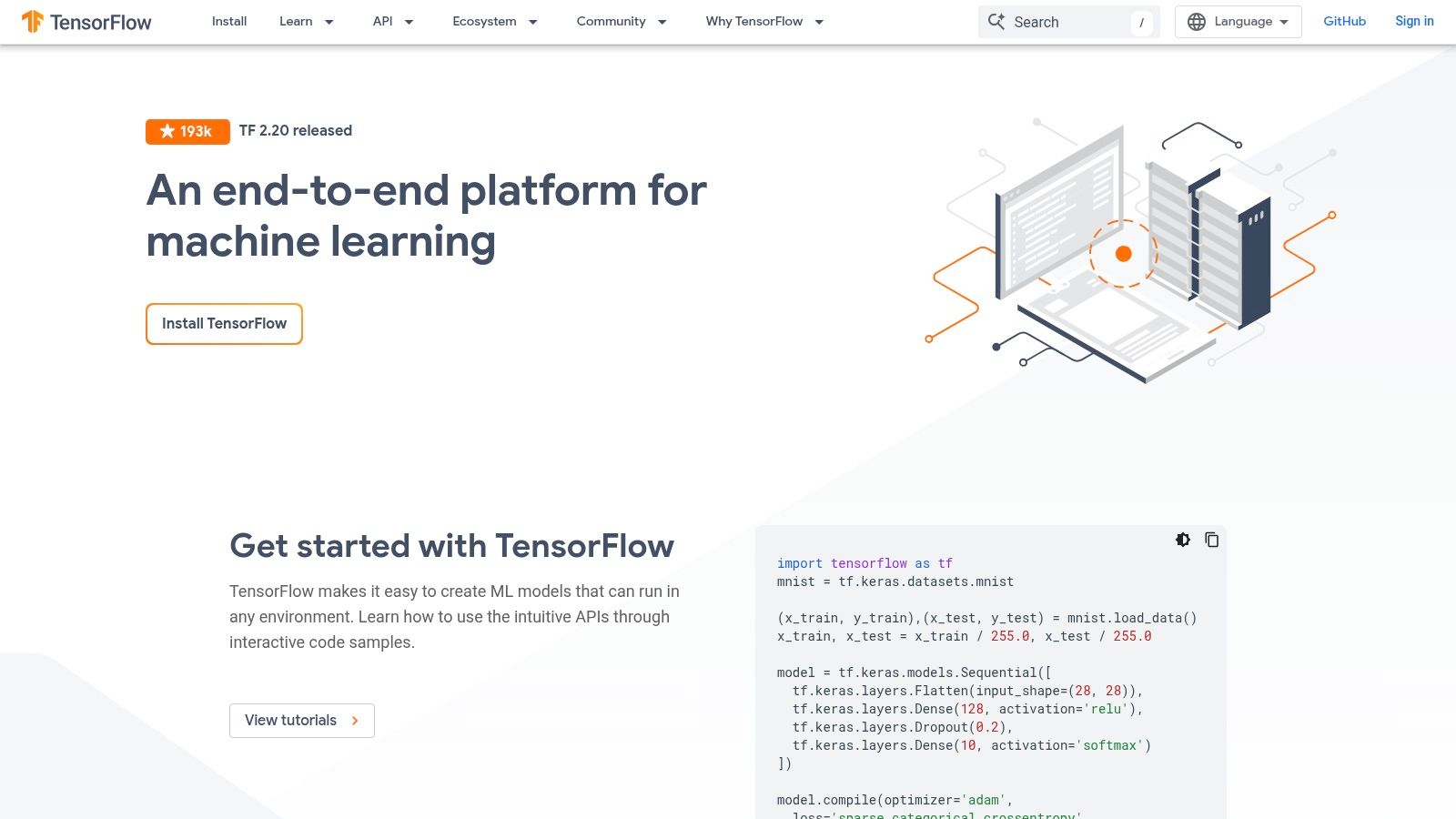
The platform is designed for deep integration across the entire machine learning lifecycle. For developers, this means access to powerful tools like TensorBoard for visualising model training and performance, and TensorFlow Lite for deploying models on mobile and edge devices. Its extensive documentation, tutorials, and a massive community provide robust support, helping developers navigate its powerful but sometimes complex features to build sophisticated AI systems.
Key Features and Usage
TensorFlow is free and open-source, with its power coming from its integrated and production-focused ecosystem.
- Flexible Ecosystem: Provides a complete toolkit including TFX for production pipelines, TensorBoard for visualisation, and TF Lite/JS for cross-platform deployment.
- High-Level API (Keras): Offers a user-friendly, modular way to build and train neural networks, significantly simplifying the development process.
- Scalable Production: Built for performance and scale, it supports distributed training across multiple GPUs and TPUs, ideal for enterprise-level projects.
While its deployment capabilities are top-tier, the breadth of its APIs and ecosystem can present a steep learning curve for beginners compared to more streamlined frameworks.
| Aspect | Evaluation |
|---|---|
| Use Case | Building, training, and deploying large-scale deep learning models for production, especially in cloud or edge environments. |
| Pros | Mature and robust deployment options for web, mobile, and cloud; excellent visualisation tools with TensorBoard. |
| Cons | Can be complex and verbose for simple tasks; the extensive API surface may be overwhelming for newcomers. |
| Access | Completely free and open-source, accessible at https://www.tensorflow.org. |
7. PyTorch
PyTorch is a premier open-source machine learning framework, particularly dominant in the research community for its flexibility and Pythonic design. It stands out as one of the most critical python libraries for machine learning, enabling rapid prototyping and complex model development with a focus on an intuitive developer experience. Its official website is the central hub for installation, tutorials, and comprehensive documentation, making it the essential starting point for both new and experienced practitioners.
The framework is celebrated for its dynamic computation graph, which allows models to be defined and modified on the fly, a feature highly valued in fields like Natural Language Processing where model architectures can vary with input data. PyTorch's autograd engine automates the calculation of gradients, simplifying the backpropagation process significantly. Its seamless integration with GPU acceleration via CUDA makes it a powerhouse for training large-scale deep neural networks efficiently.
Key Features and Usage
PyTorch is free, open-source, and backed by a robust ecosystem of tools and libraries for computer vision, NLP, and more.
- Dynamic Computation Graphs: Offers an "eager execution" mode where operations are run immediately, making debugging more straightforward and intuitive.
- Rich Ecosystem: Supported by a vast collection of tools like TorchVision, TorchText, and TorchAudio, alongside first-class support on major cloud platforms.
- Distributed Training: Provides built-in support for scalable distributed training, allowing models to be trained across multiple GPUs and machines with minimal code changes.
While incredibly user-friendly, extracting maximum performance for production deployment can sometimes require deeper knowledge of its newer compiler technologies like TorchDynamo.
| Aspect | Evaluation |
|---|---|
| Use Case | Building and training deep learning models, especially for research, computer vision, and NLP applications. |
| Pros | Highly intuitive and Pythonic API; strong community support and excellent for rapid prototyping and research. |
| Cons | Performance tuning for production can be complex; some advanced features have a steeper learning curve. |
| Access | Completely free and publicly accessible at https://pytorch.org. |
8. JAX (docs)
JAX is a high-performance numerical computing library from Google Research, designed to accelerate machine learning research and scientific computing. While its API is modelled closely after NumPy, JAX introduces powerful function transformations like automatic differentiation (grad), JIT compilation (jit), and automatic vectorisation (vmap). This makes it one of the most powerful python libraries for machine learning when raw performance on accelerators like GPUs and TPUs is the primary concern.
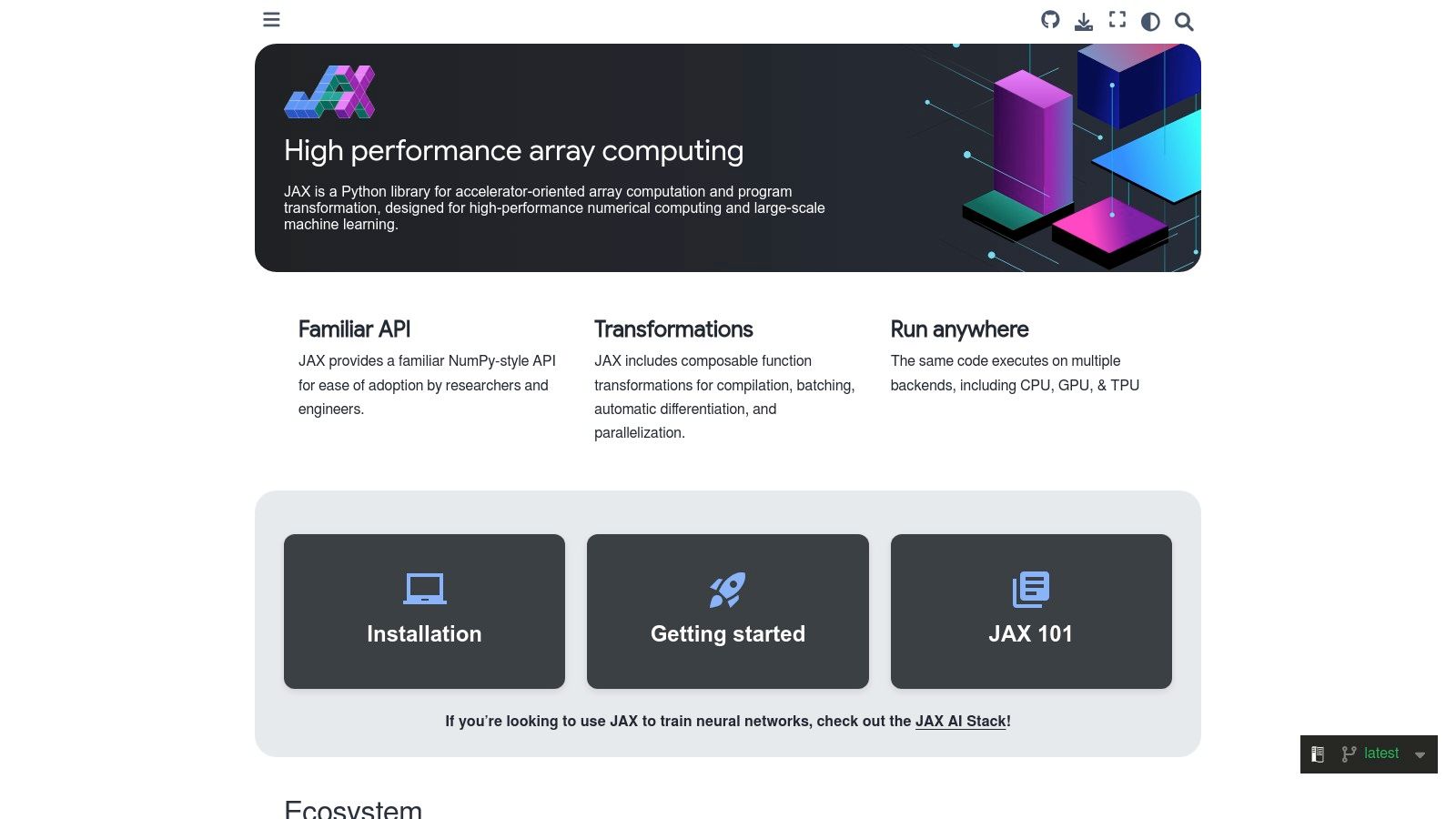
The official JAX documentation is the central hub for learning this transform-first approach. It provides comprehensive guides not just for JAX itself, but for its core ecosystem, including Flax (a neural network library) and Optax (a gradient processing and optimisation library). For developers pushing the boundaries of model performance or working on large-scale distributed training, mastering JAX is a significant advantage, particularly in research-intensive roles. Its design promotes writing clean, composable, and highly performant Python code that can be executed efficiently on modern hardware.
Key Features and Usage
JAX is free and open-source. Its power comes from combining a familiar NumPy interface with a compiler-backed, functional programming paradigm.
- Composable Function Transforms: Apply
grad,jit,vmap, andpmapto pure Python functions to create highly optimised, differentiable, and parallelised code. - XLA Compilation: JAX uses the Accelerated Linear Algebra (XLA) compiler to fuse operations and generate highly optimised machine code for GPUs and TPUs, often outperforming other frameworks.
- Ecosystem Integration: The documentation covers key ecosystem tools like Flax for building models and Optax for advanced optimisation, providing a complete stack for ML development.
While its performance is exceptional, JAX has a steeper learning curve than PyTorch or TensorFlow due to its functional programming concepts and immutable data structures.
| Aspect | Evaluation |
|---|---|
| Use Case | High-performance ML research, scientific computing, and building custom, highly-optimised models for accelerators. |
| Pros | Exceptional performance via XLA compilation; transform-first design enables clean, reproducible, and composable code. |
| Cons | Steeper learning curve compared to mainstream frameworks; the ecosystem is smaller and less mature than PyTorch's. |
| Access | Completely free and publicly accessible at https://docs.jax.dev. |
9. Hugging Face Hub + Transformers
The Hugging Face Hub, combined with its transformers library, has become the de facto centre for the natural language processing (NLP) community and is rapidly expanding into computer vision and audio. It is less a single tool and more an entire ecosystem built around sharing and using pre-trained models. For anyone working with state-of-the-art AI, it is an indispensable resource among python libraries for machine learning, providing instant access to thousands of cutting-edge model checkpoints.
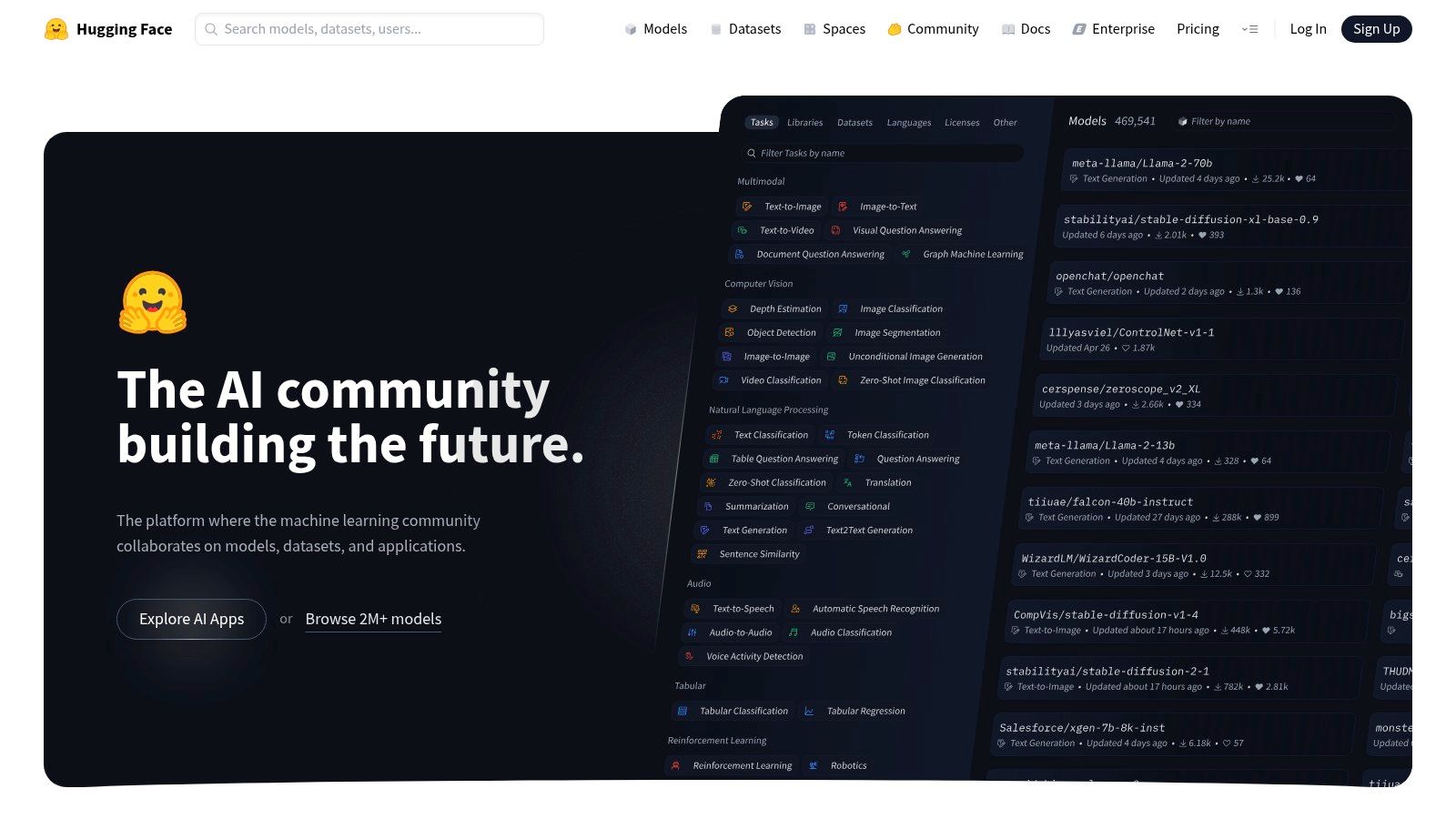
Its core strength is abstracting away the immense complexity of loading and running large models like BERT, GPT, and Stable Diffusion. With just a few lines of code, developers can download a pre-trained model and use it for tasks like text classification, translation, or image generation. This democratisation of access allows small teams and individual developers to leverage models that would otherwise require vast computational resources to train from scratch, a critical advantage for prototyping and building sophisticated AI applications.
Key Features and Usage
The ecosystem is built for collaboration and rapid development. The Hub is free for public models and datasets, with paid tiers for private repositories and advanced services.
- Model & Dataset Hub: A central, searchable repository with millions of community-contributed models, datasets, and interactive demos (Spaces).
- Transformers Library: Provides a high-level API (
pipeline) for easy inference and unified training utilities that work across PyTorch, TensorFlow, and JAX. - Interoperability: Models can be easily loaded and used across different deep learning frameworks, preventing vendor lock-in.
While the platform streamlines development, it's crucial to check the "model card" for each asset. These cards detail a model's intended use, limitations, biases, and licensing, which are vital for responsible and legally compliant implementation in a production environment.
| Aspect | Evaluation |
|---|---|
| Use Case | Rapidly prototyping and deploying state-of-the-art models for NLP, computer vision, and audio tasks. |
| Pros | The fastest way to use SOTA models with minimal code; vast community support and a rich collection of models. |
| Cons | Model quality varies; users must carefully review licenses and model cards. Advanced hosting requires paid plans. |
| Access | Public models and datasets are free; private hosting and enterprise features are subscription-based at https://huggingface.co. |
10. Kaggle
Kaggle is an online community and platform for data scientists and machine learning practitioners, owned by Google. While not a library itself, it is an indispensable ecosystem for applying python libraries for machine learning. It provides a zero-setup, browser-based environment with free access to GPUs and TPUs, where nearly all major ML libraries like TensorFlow, PyTorch, and scikit-learn come pre-installed and ready for immediate use.
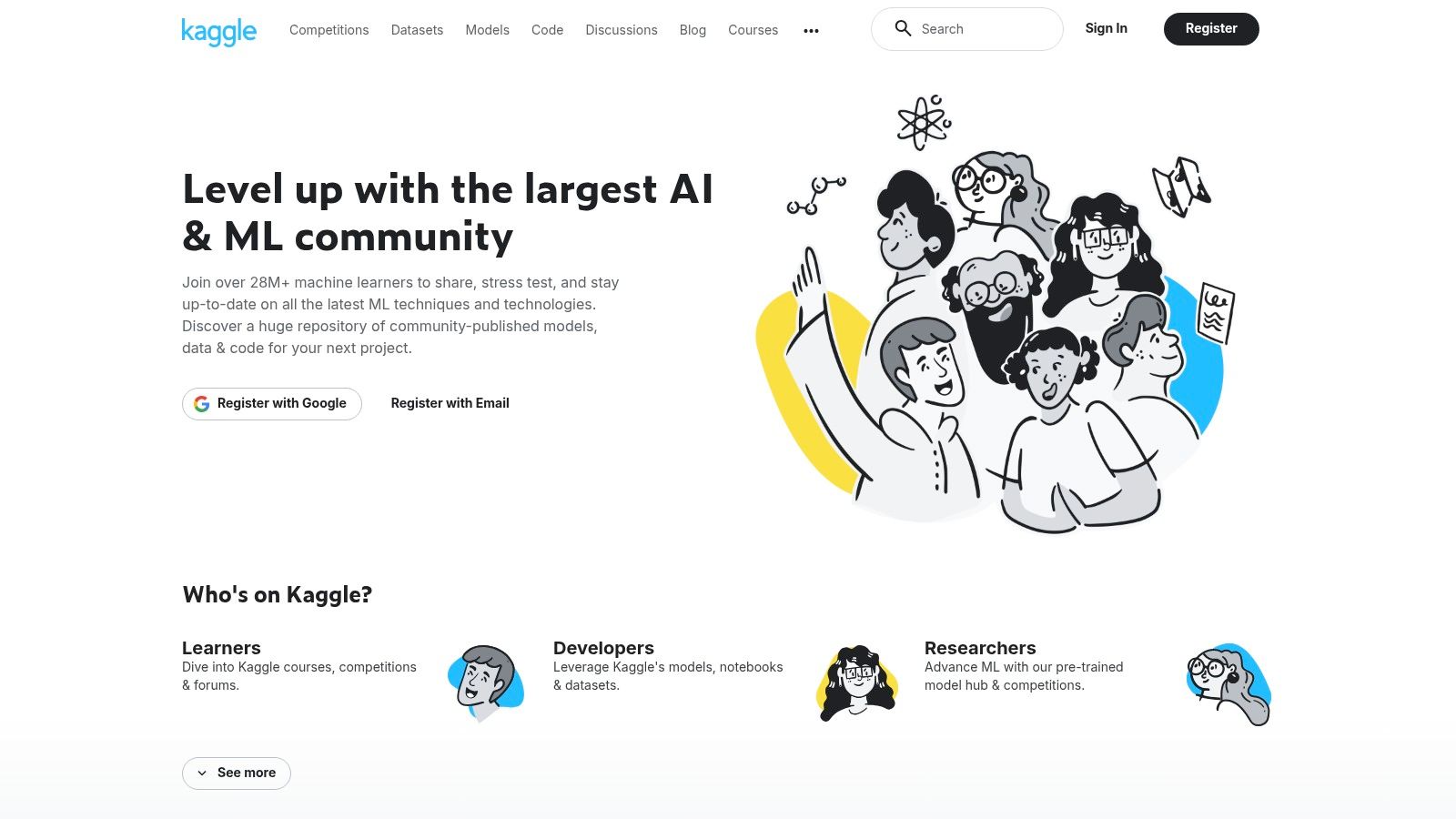
Its primary value lies in its combination of computational resources, vast dataset repositories, and competitive challenges. This allows developers to benchmark their models, learn from community-shared code notebooks, and build a strong project portfolio. For those looking to enter the field, consistent participation on Kaggle is often seen as practical experience, a valuable asset for any Australian data scientist job application.
Key Features and Usage
Kaggle's platform is designed to lower the barrier to entry for hands-on machine learning practice. Its integrated environment supports the entire data science workflow.
- Pre-configured Notebooks: Start coding instantly in a Jupyter-like environment with popular libraries and hardware acceleration already configured.
- Vast Dataset Repository: Access thousands of real-world datasets for experimentation, from simple tabular data to large-scale image and text collections.
- Competitions & Community: Test your skills against others in structured competitions and learn from the published solutions of top-ranking participants.
While an excellent learning and experimentation tool, it's crucial to understand its limitations. Resource constraints and session time limits mean it is not a substitute for a dedicated production environment.
| Aspect | Evaluation |
|---|---|
| Use Case | Learning, experimenting, and benchmarking ML models using pre-installed Python libraries with free cloud compute. |
| Pros | Zero-setup environment with free GPU/TPU access; excellent for portfolio building and collaborative learning. |
| Cons | Session time limits and resource constraints; compute availability can vary and is not guaranteed for production. |
| Access | Free to use with a Google account at https://www.kaggle.com. |
11. Google Colab
Google Colaboratory, or Colab, provides a zero-configuration environment for running Python code directly in your browser. It has become an essential platform for anyone working with python libraries for machine learning by removing the need for local setup. Colab is essentially a managed Jupyter Notebook service that comes pre-installed with major libraries like TensorFlow, PyTorch, and scikit-learn, and most importantly, offers free access to powerful hardware like GPUs and TPUs.
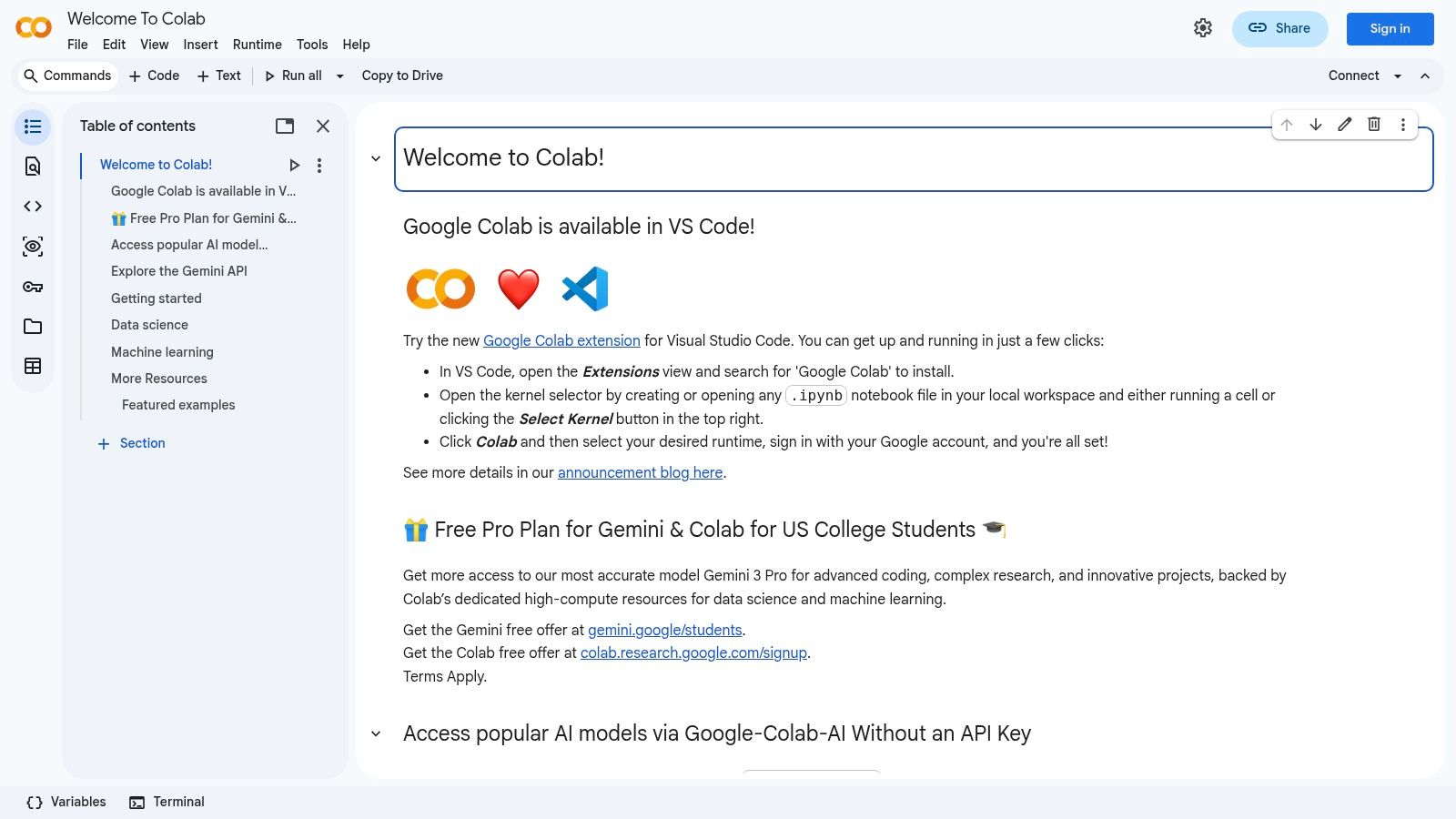
Its primary appeal is accessibility. You can start training a complex neural network from any machine with an internet connection, making it perfect for rapid prototyping, learning, and sharing reproducible experiments. Deep integration with Google Drive allows for seamless data access and notebook storage, while its shareable nature makes it an excellent tool for collaborative projects, tutorials, and academic coursework. The ability to run code in an isolated, cloud-based environment makes it an invaluable resource for testing new libraries without affecting your local system.
Key Features and Usage
Colab operates on a freemium model, offering a generous free tier and paid options for more demanding workloads.
- Hardware Acceleration: Provides free (with limits) access to NVIDIA GPUs (like the T4 or P100) and Google's own TPUs, which dramatically speeds up deep learning tasks.
- Pre-configured Environment: Most common data science and machine learning libraries are pre-installed, allowing you to start coding immediately with a simple
importstatement. - Collaboration and Sharing: Notebooks are saved to Google Drive and can be shared and edited in real-time, just like Google Docs. It also integrates with GitHub for version control.
While perfect for experimentation, the resource limits and session timeouts on the free tier make it unsuitable for long-running, production-level training jobs. For those, a dedicated cloud instance or on-premise hardware is more appropriate.
| Aspect | Evaluation |
|---|---|
| Use Case | Rapid prototyping, learning new libraries, sharing reproducible research, and running compute-intensive model training without local hardware. |
| Pros | No setup required; free access to GPUs/TPUs; excellent for collaboration and educational purposes. |
| Cons | Session and resource limits can be restrictive for large-scale projects; GPU availability on the free tier can fluctuate. |
| Access | A free tier is available with a Google account. Paid Pro/Pro+ tiers offer better hardware and longer runtimes at https://colab.research.google.com. |
12. XGBoost (official site)
XGBoost is a highly optimised, distributed gradient boosting library designed for efficiency, flexibility, and portability. While it is one of the most powerful python libraries for machine learning when it comes to structured or tabular data, its official website serves as the central hub for documentation, community support, and installation guides. It's the authoritative source for learning how to leverage this competition-winning algorithm in your projects.
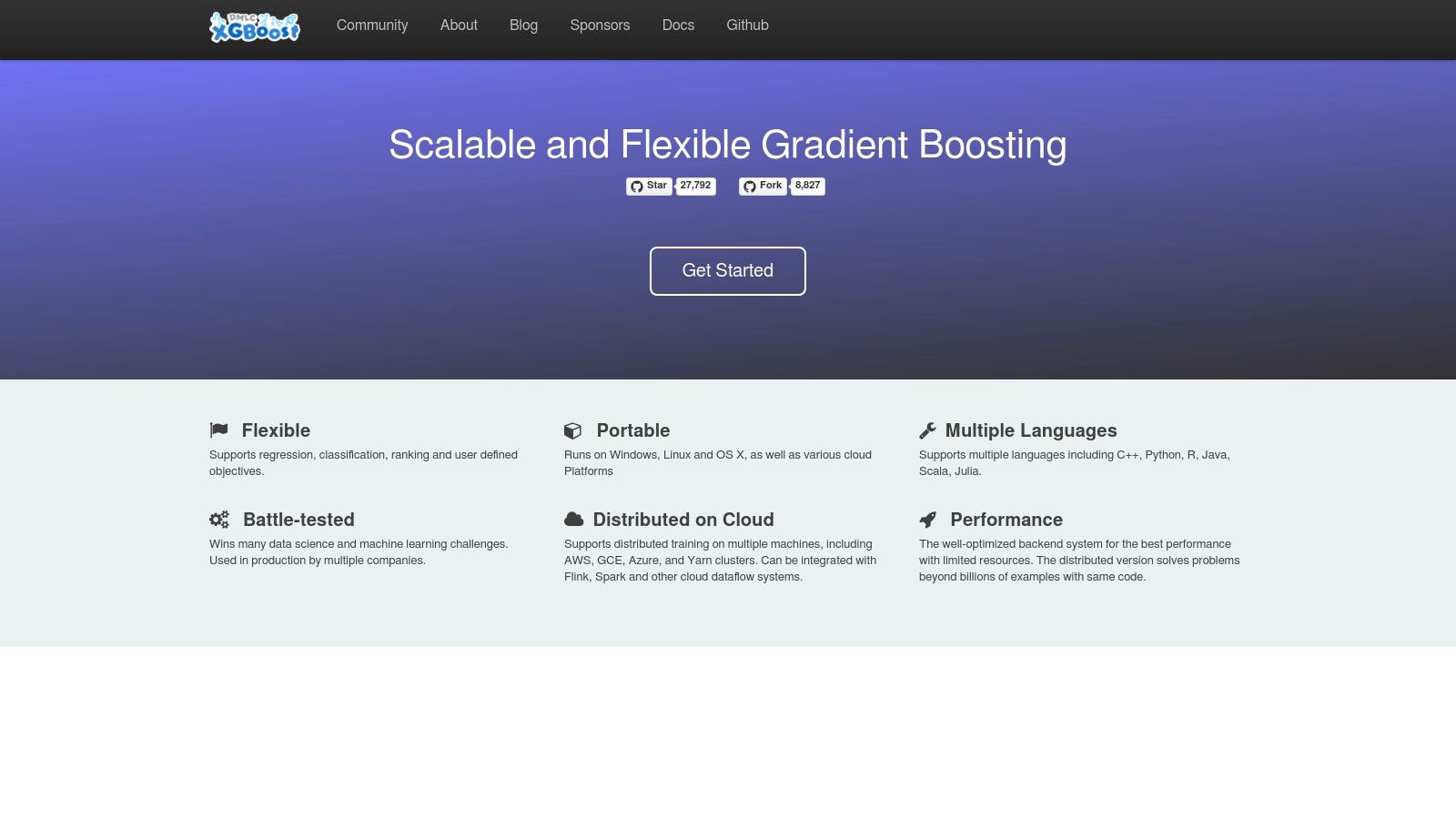
The website is indispensable for developers who need to master the library's advanced features, such as regularisation, custom objective functions, and parallel processing. It provides comprehensive tutorials, detailed API references, and crucial information on integrations with distributed computing frameworks like Dask, Spark, and Ray. This resource ensures you are using the library correctly and to its full potential, from initial setup to deploying models at scale.
Key Features and Usage
The XGBoost site is more than just documentation; it’s a complete resource for both beginners and advanced users of the library.
- Comprehensive Documentation: Offers in-depth guides on installation, parameter tuning, and advanced features like GPU support and distributed training.
- API Reference: Provides a complete, version-controlled reference for the Python, R, Java, and C++ APIs, essential for development.
- Community and Resources: Links to the active GitHub repository, user forums, and academic papers citing XGBoost, helping you stay connected and informed.
While the library itself is renowned for its performance, the website is the key to unlocking it. It is the best place to find official, up-to-date information, preventing reliance on outdated third-party tutorials.
| Aspect | Evaluation |
|---|---|
| Use Case | The primary resource for learning, installing, and referencing the official API for the XGBoost gradient boosting library. |
| Pros | Authoritative source for documentation; detailed tutorials on advanced features; links to community and support channels. |
| Cons | Focused solely on the XGBoost library, not a general-purpose ML platform; can be technical for absolute beginners. |
| Access | Completely free and publicly accessible at https://xgboost.ai. |
12-Point Comparison of Python ML Libraries & Resources
| Item | Core features ✨ | Quality ★ | Value/Price 💰 | Target 👥 | Standout 🏆 |
|---|---|---|---|---|---|
| Python Package Index (PyPI) | Central index, packages, JSON/API endpoints ✨ | ★★★★☆ (varies by package) | 💰 Free — fastest upstream installs | 👥 Developers, CI/CD, package consumers | 🏆 Largest Python package registry |
| Anaconda Distribution / Anaconda.org | Prebuilt ML binaries, conda envs, Navigator GUI ✨ | ★★★★☆ (user-friendly) | 💰 Freemium — paid enterprise options | 👥 Data scientists, beginners, laptop users | 🏆 Simplifies GPU/compiled dependency setup |
| conda-forge | Community-built conda channel, reproducible multi-arch builds ✨ | ★★★★☆ (broad coverage) | 💰 Free community channel | 👥 Reproducible-build users, multi-arch devs | 🏆 Fast, wide binary coverage across platforms |
| GitHub | Source, issues, releases, CI artifacts ✨ | ★★★★★ (source-of-truth) | 💰 Free public; paid org plans | 👥 Maintainers, contributors, researchers | 🏆 Earliest access to code, issues & PRs |
| scikit-learn (official) | Estimators, preprocessing, pipelines, docs ✨ | ★★★★★ (stable, well-documented) | 💰 Free — stable for tabular ML | 👥 ML engineers, data scientists (tabular) | 🏆 Canonical library for classical ML |
| TensorFlow | End-to-end ML platform (TFX, Lite, JS) ✨ | ★★★★☆ (mature, complex) | 💰 Free OSS; enterprise support available | 👥 Production teams, mobile/web deploys | 🏆 Mature deployment & tooling ecosystem |
| PyTorch | Eager autograd, nn modules, distributed training ✨ | ★★★★★ (research & prod) | 💰 Free OSS; enterprise integrations | 👥 Researchers, DL engineers | 🏆 Intuitive dev experience & community |
| JAX (docs) | grad/jit/vmap/pmap, XLA-backed performance ✨ | ★★★★☆ (high-performance) | 💰 Free OSS | 👥 Research teams, performance-focused devs | 🏆 Transform-first design for high perf. |
| Hugging Face Hub + Transformers | Model hub, Transformers lib, inference endpoints ✨ | ★★★★★ (rapid prototyping) | 💰 Free tiers; paid for private hosting/endpoints | 👥 NLP/vision engineers, prototypers | 🏆 Massive model hub + hosted inference |
| Kaggle | Browser notebooks, datasets, competitions ✨ | ★★★★☆ (great for learning) | 💰 Free (resource limits) | 👥 Learners, competitors, portfolio builders | 🏆 Zero-setup notebooks & competitions |
| Google Colab | Managed Jupyter with GPU/TPU, Drive/GitHub integration ✨ | ★★★★☆ (instant access) | 💰 Free + Pro paid tiers | 👥 Students, practitioners needing GPUs | 🏆 Easy cloud GPUs without local setup |
| XGBoost (official) | Optimized gradient boosting, GPU & distributed support ✨ | ★★★★★ (fast & accurate) | 💰 Free OSS | 👥 ML engineers, tabular-data specialists | 🏆 Top performance for structured data |
Building Your Career with the Right ML Libraries
Navigating the expansive ecosystem of python libraries for machine learning can feel overwhelming, but mastering a curated set of tools is the most direct path to a successful career in the Australian AI sector. The twelve platforms and libraries we've explored, from foundational package managers like PyPI and Anaconda to specialised powerhouses like PyTorch, TensorFlow, and XGBoost, are not just entries on a list; they are the essential building blocks of modern data science and machine learning workflows.
Understanding these tools goes far beyond memorising their syntax. It's about developing an intuition for which library is the right choice for a specific problem. A solid grasp of scikit-learn is non-negotiable for classical ML tasks, while deep familiarity with PyTorch or TensorFlow is critical for roles centred on deep learning, computer vision, or advanced natural language processing. Similarly, knowing how to leverage the Hugging Face ecosystem can dramatically accelerate development on NLP projects, a skill highly sought after by employers.
From Theory to Tangible Skills
The key to career progression is translating theoretical knowledge into practical, demonstrable experience. This is where platforms like Kaggle and Google Colab become indispensable. They provide a sandpit for experimentation, allowing you to apply these libraries to real-world datasets and complex challenges without the need for expensive local hardware.
Your journey shouldn't stop at personal projects. Engaging with the open-source community via GitHub is one of the most powerful ways to deepen your understanding. Contributing to projects, even with small documentation fixes, demonstrates initiative, collaboration skills, and a genuine passion for the field. This active participation is a significant differentiator in a competitive job market.
A Strategic Approach to Your Toolkit
As you build your expertise, think strategically about how these tools align with your career goals. Your selection and mastery of certain python libraries for machine learning will define your professional profile.
- For the Data Scientist: Mastery of data manipulation (Pandas, NumPy), classical modelling (scikit-learn), and gradient boosting (XGBoost, LightGBM) is paramount. Being able to quickly clean, analyse, and model tabular data is a core competency.
- For the ML Engineer: Deep knowledge of a primary deep learning framework (PyTorch or TensorFlow) is essential, alongside proficiency in MLOps tools for deployment and monitoring. Understanding how to productionise a model is as crucial as building it.
- For the NLP Specialist: A profound understanding of the Transformers library and the Hugging Face Hub is a baseline requirement. Expertise in these areas signals you are at the forefront of language model technology.
Ultimately, choosing and implementing these libraries is a strategic decision that shapes your capabilities. The Australian AI landscape, from burgeoning startups in Melbourne to government agencies in Canberra, demands practitioners who are not just coders but well-rounded problem-solvers. By focusing on this curated toolkit, you are not just learning to use software; you are learning the language of modern AI development. You are equipping yourself to tackle the complex, high-impact challenges that define the top data science and machine learning roles today. The journey from learning to leading starts with the tools you choose to master.
Ready to apply your expertise with these powerful Python libraries? Find your next opportunity and connect with Australia's leading AI-driven companies on AI Jobs Australia. Explore roles that match your specific skills at AI Jobs Australia and take the next step in your machine learning career.